
The official field app
Ta3mir Field: your whole site, in your pocket
Your crew's attendance, tasks and notes from the site itself, connected straight to your project on Ta3mir. For engineers and site crews.
Get Ta3mir Field
Install it, sign in with your Ta3mir account, and your projects are already waiting.
- Android may ask you to allow installs from external sources: tap Allow, then Install.
On a computer?
Scan the code with your phone's camera to start the download.
A company account
Ta3mir Field comes with contractor, consultant and integrated company accounts. Individual-engineer accounts work from the web platform.
Install the app
Use the buttons above on your phone, or scan the code from your computer screen.
Sign in
Engineers sign in with their Ta3mir email and password. Site crews scan the QR code their engineer gives them from the employees page.
What is Ta3mir Field?
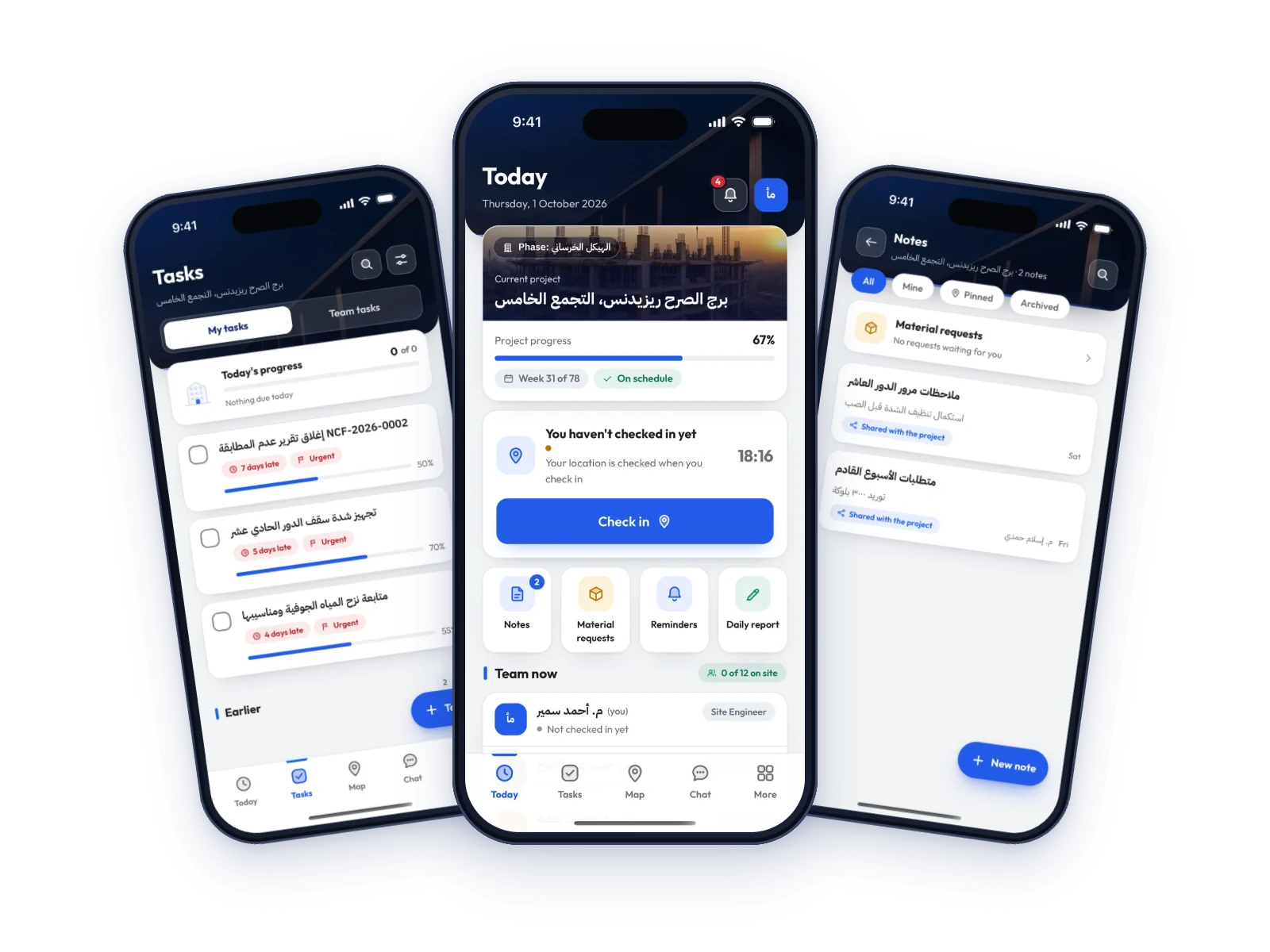
The field app of the Ta3mir platform: your site day on one screen, tasks updated where the work happens, and notes, material requests and hours that reach the office directly.
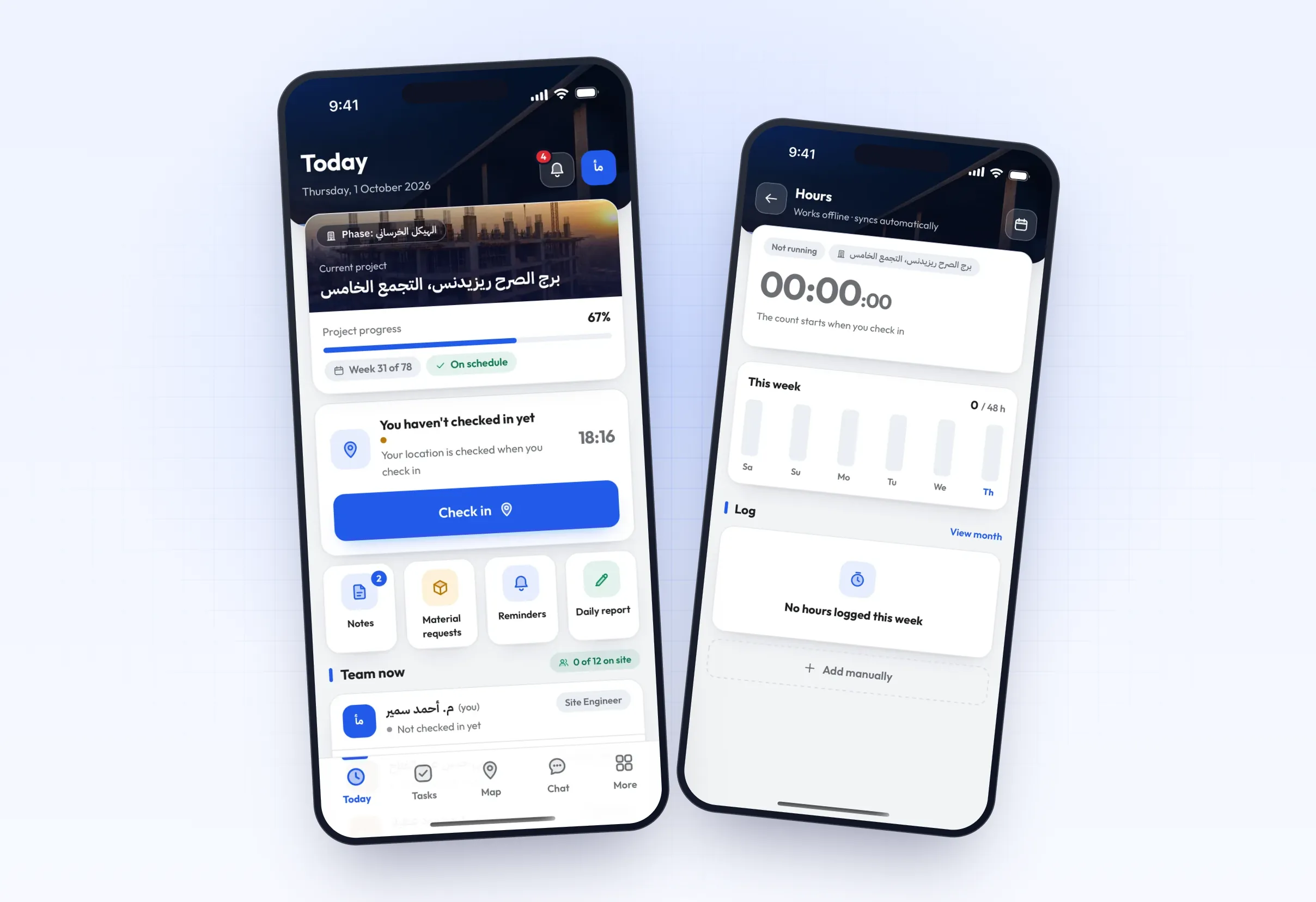
Your whole day on one screen
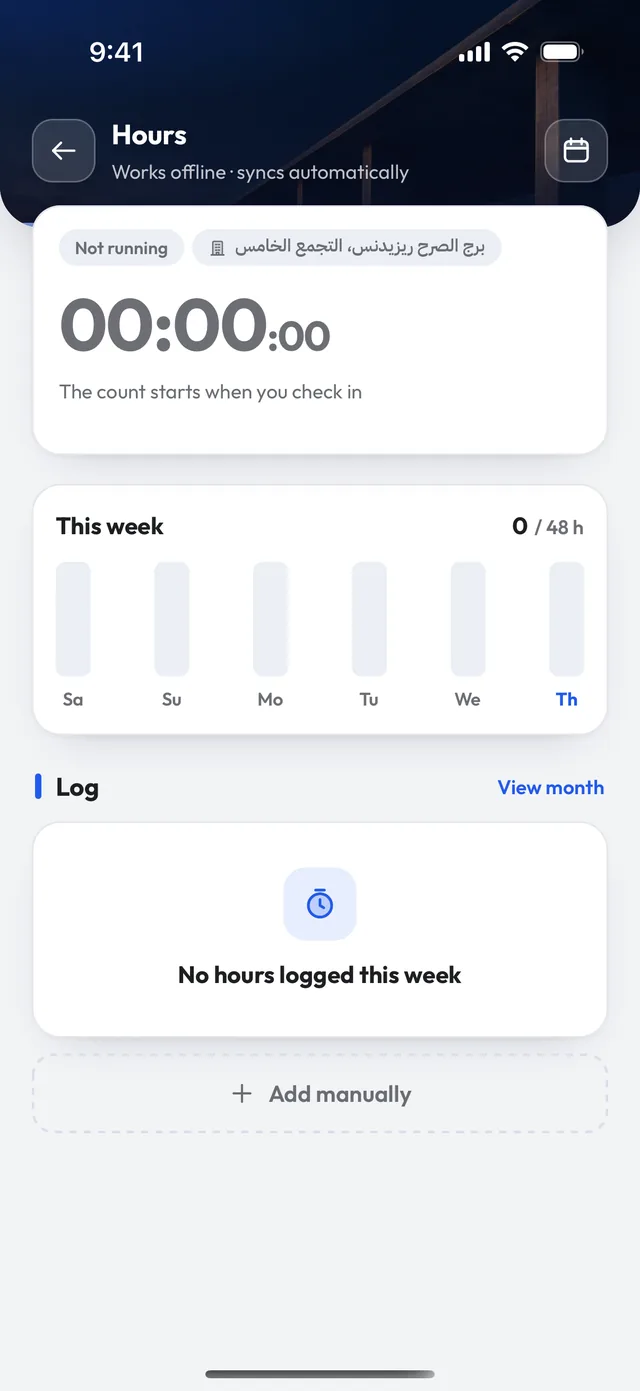
The current project and its progress, a check-in that confirms your location, who's on site, and an hours timer that starts at check-in.
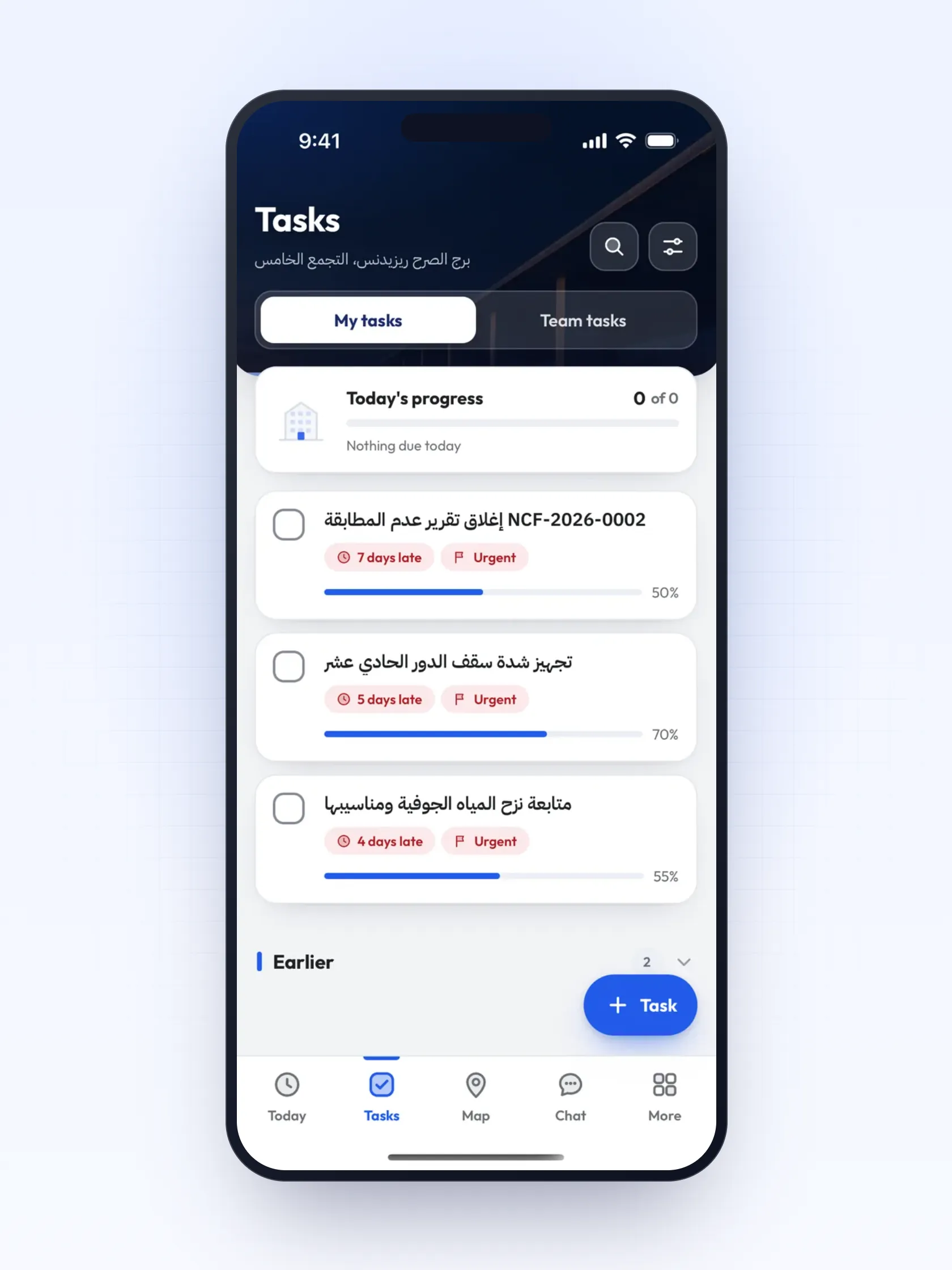
Your tasks, and what's late
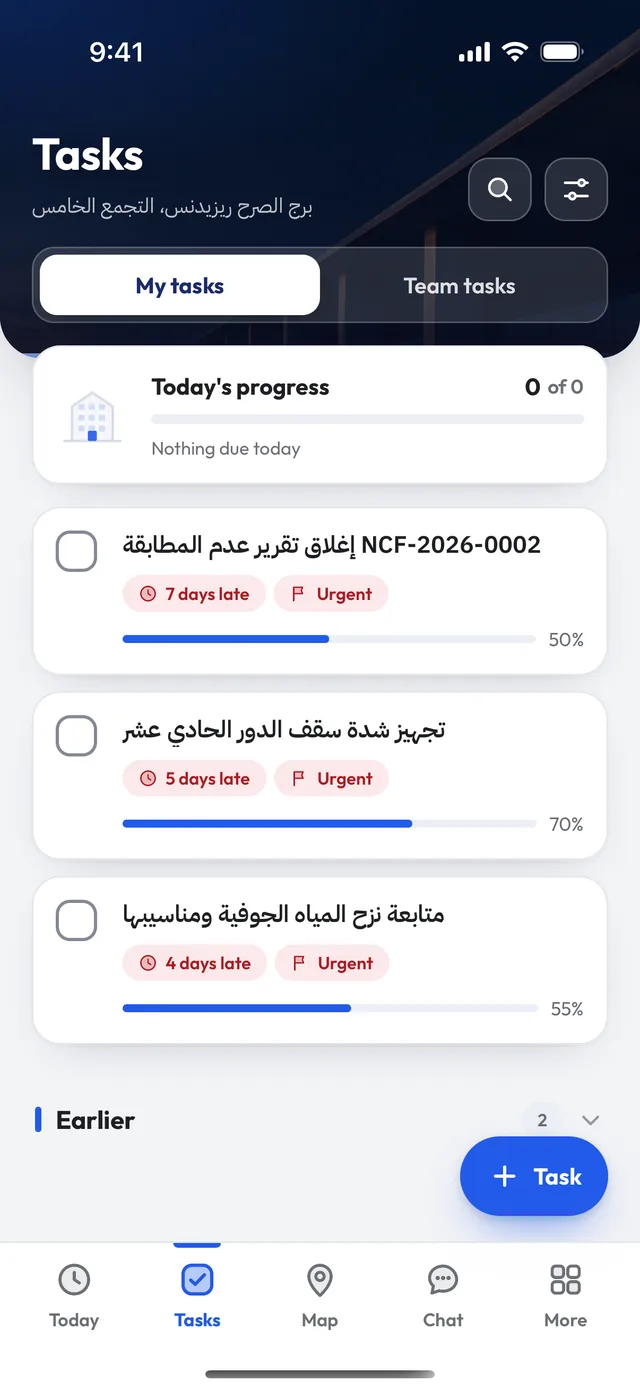
My tasks and team tasks, with each task's progress, delay and priority.
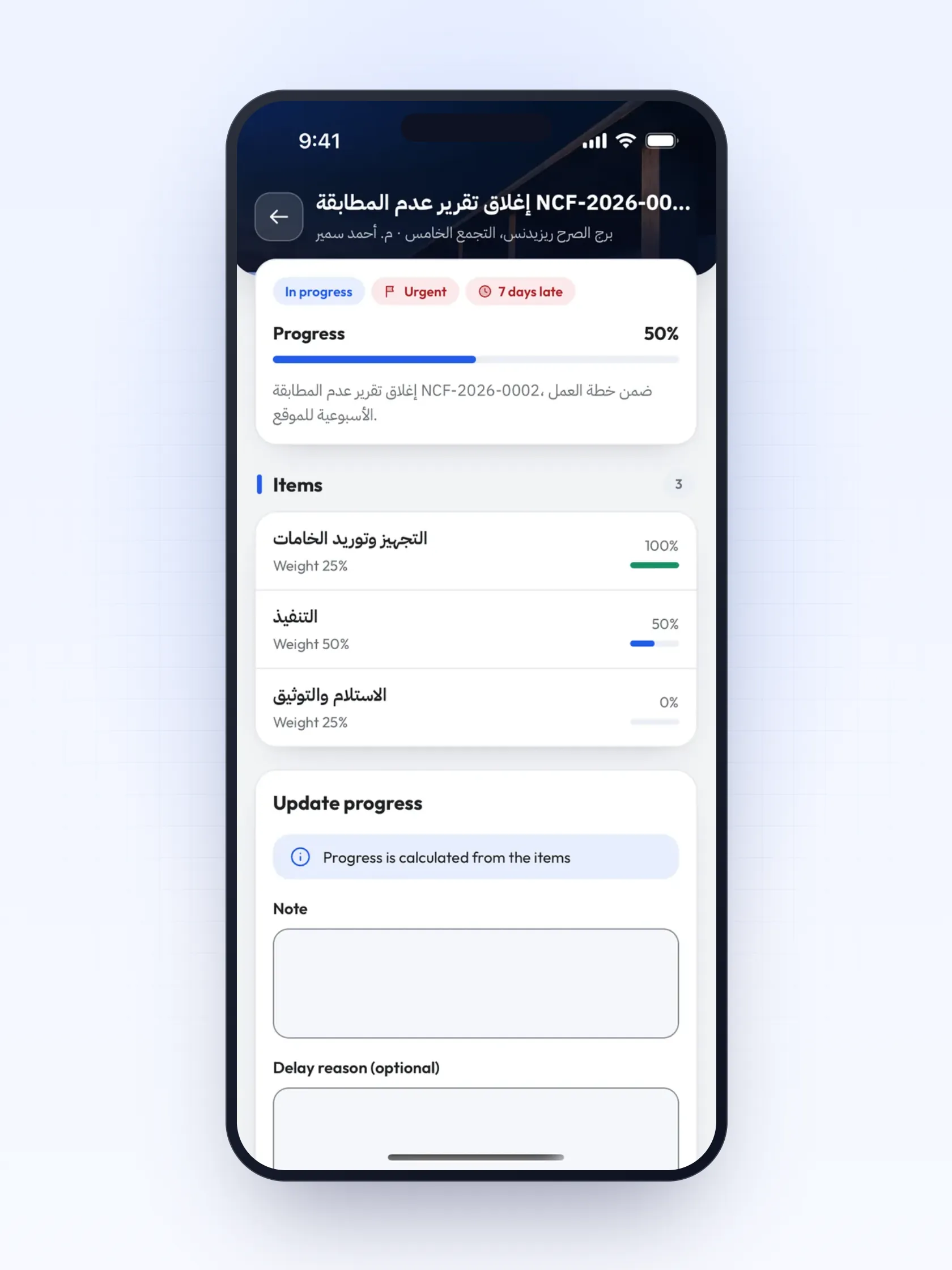
Progress by weighted items
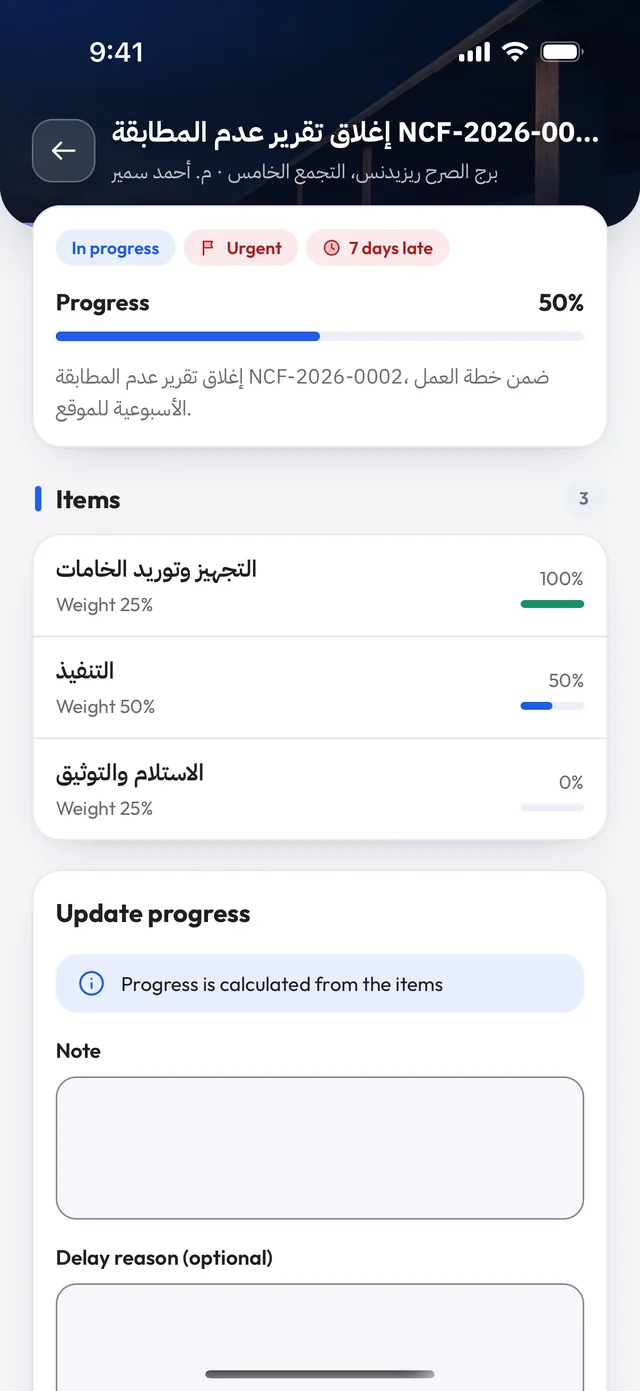
Every task is split into weighted items that drive its progress, with a note and a delay reason.
Site notes and material requests
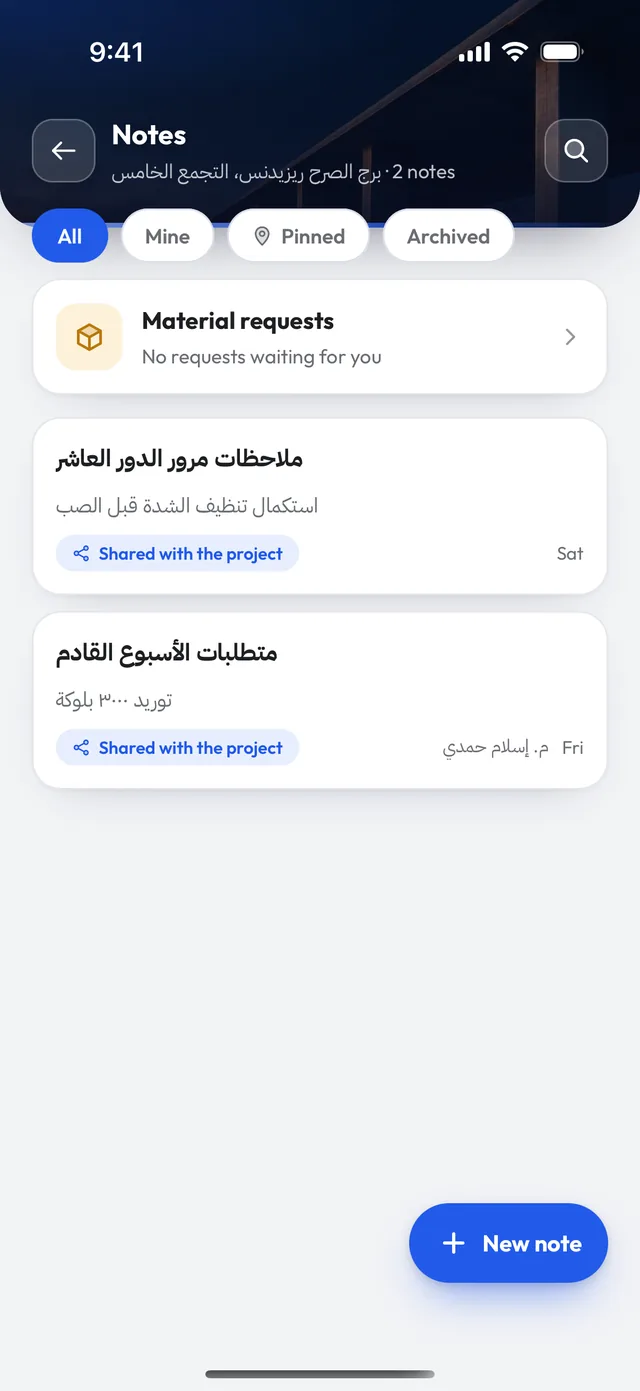
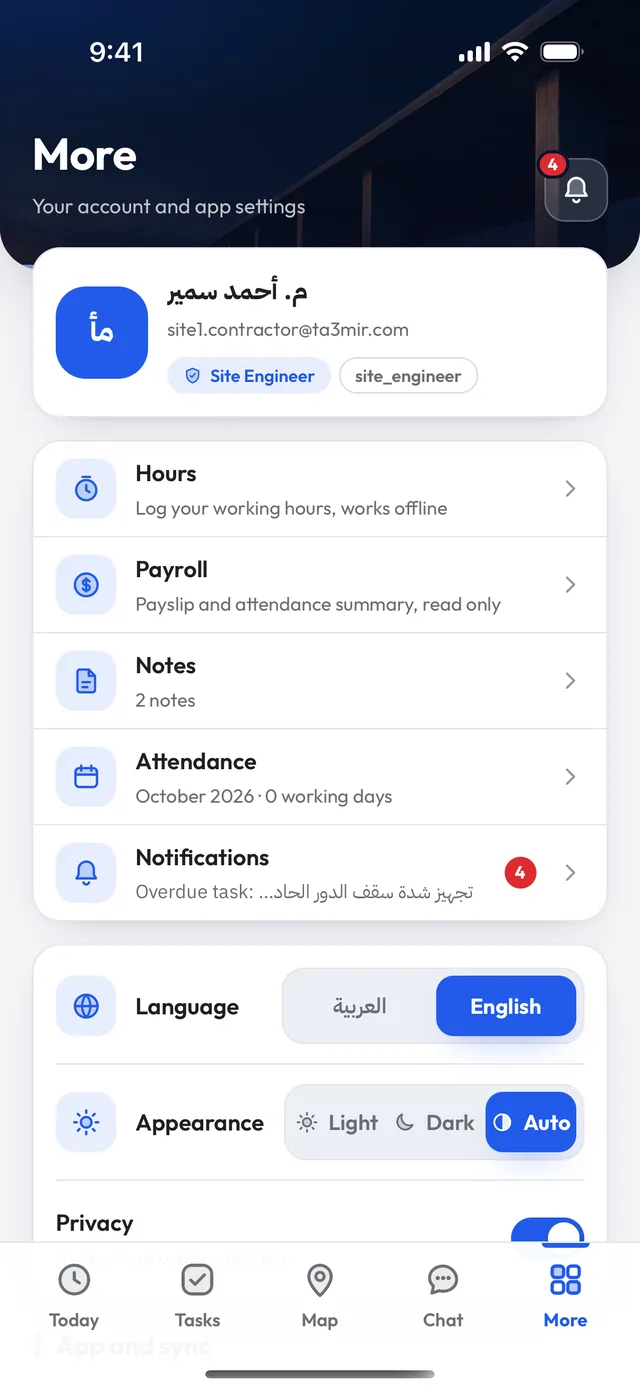
Log a note and share it with the project, or request materials straight to procurement. Everything about you lives under More.
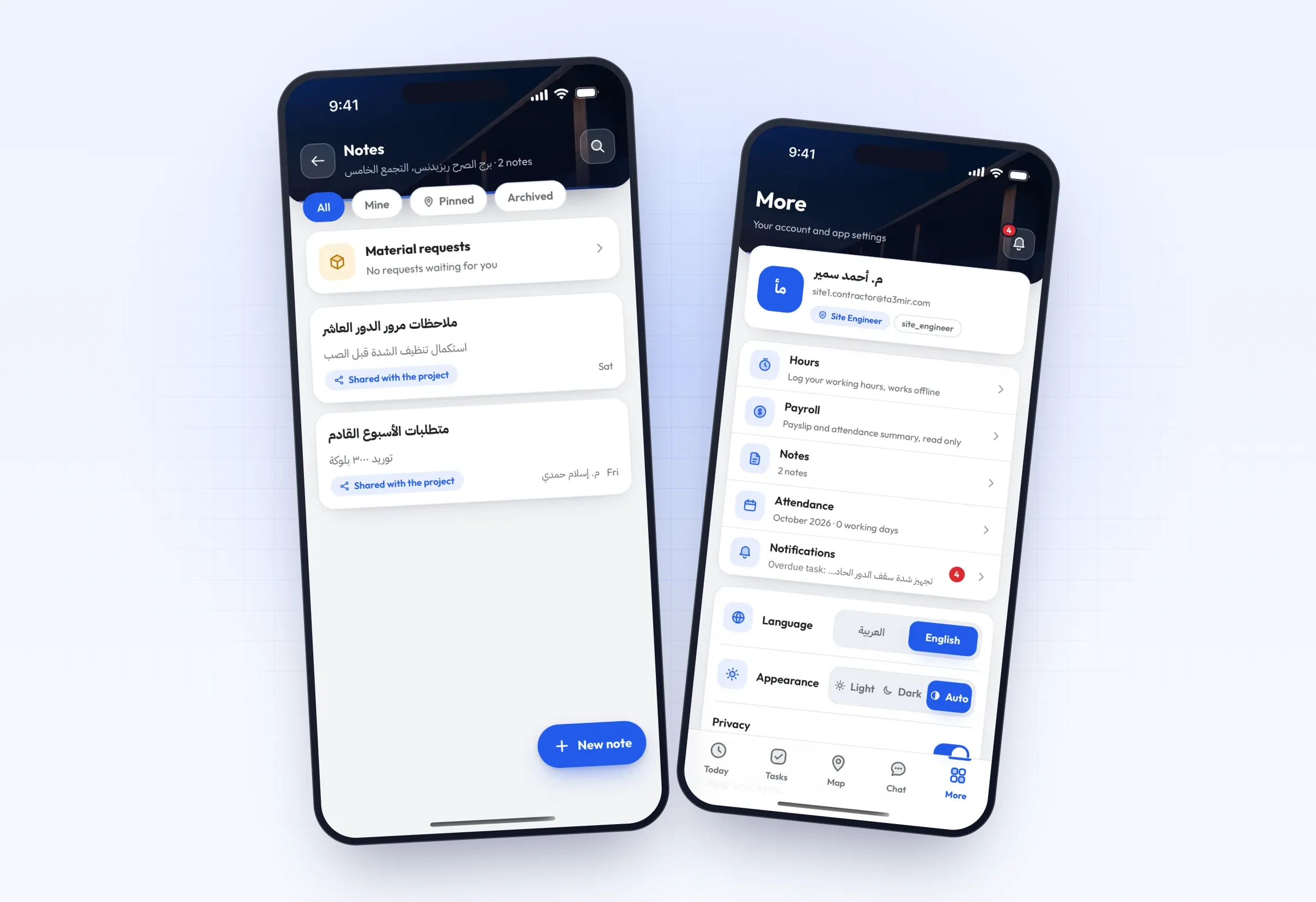
Inside Ta3mir Field
Built for the rhythm of a site: clear screens, few taps, in Arabic and English. A tour of what you'll find inside:
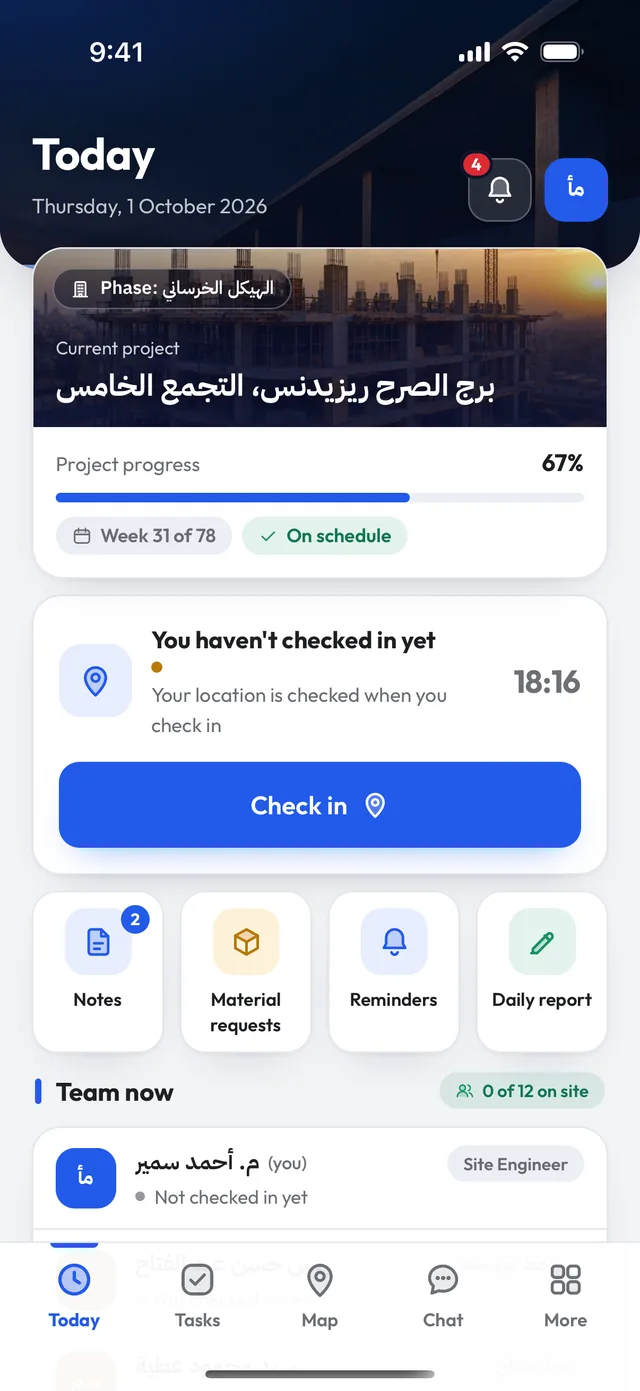
The current project and phase, its progress, your week in the programme and whether you're on schedule.
One tap. The app checks you are inside the project area, and your face too if your company turns it on.
Notes, material requests, reminders and the daily report, straight from the home screen.
The project crew with their roles, and who has checked in and who has not yet.
Log a site note and share it with the project, or request materials, and see the requests waiting for you.
Ta3mir Field features
Privacy first: location tracking runs only between check-in and check-out inside the project area, stops automatically, and route points are deleted after 90 days.

Location-checked attendance
Check in with one tap, plus face verification if your company turns it on.

Team map
Who's inside the site area right now, during working hours only.

Project chats
A room per project for messages and photos.

Works offline
The hours log works without internet and syncs automatically when you are back online.

Crew sign-in by code
Site crews sign in with an employee code or a QR code from their engineer: no email, no password.

Arabic and English
The whole app in Arabic or English, with a light or dark look.
 Payment certificates & contracts
 Technical office & documents
 Accounting
 Scheduling & planning
 Take-offs & BOQ
 HR, attendance & payroll
 Cost control
 Procurement, stores & equipment
 Site management & daily logs
 CRM & quotations
Ready to run your construction projects and payment certificates in one program?
Explore the demo account with real sample projects, then subscribe and activate in minutes.