
Site management
Run your construction site with tasks, photo stages and daily logs
Run the site day by day: field tasks with due dates, stages with photos, daily logs of labour, equipment and weather, a risk register and optional site cameras.
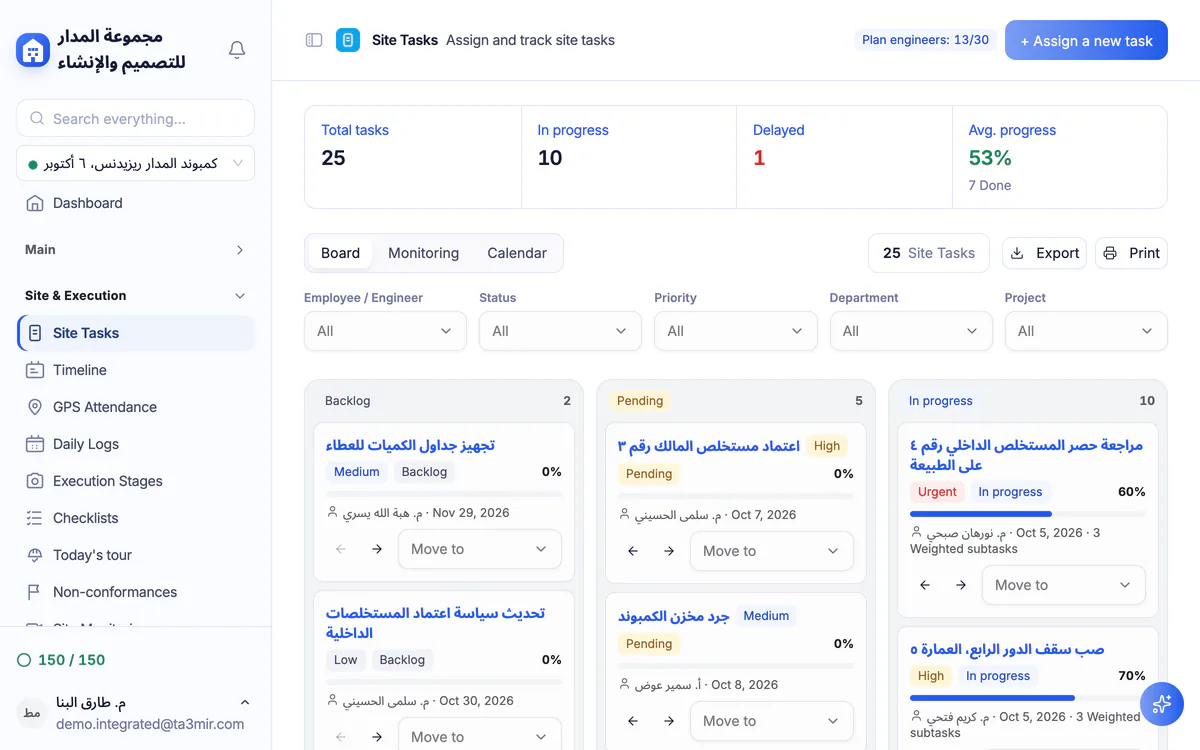
What is Site management in Ta3mir?
Field tasks assigned to engineers and followed to completion, execution stages with completion percentages and progress photos, daily site logs of labour, work done, equipment and weather, and a risk register scored by likelihood and impact. If your site has cameras, you can watch their streams in the browser too.
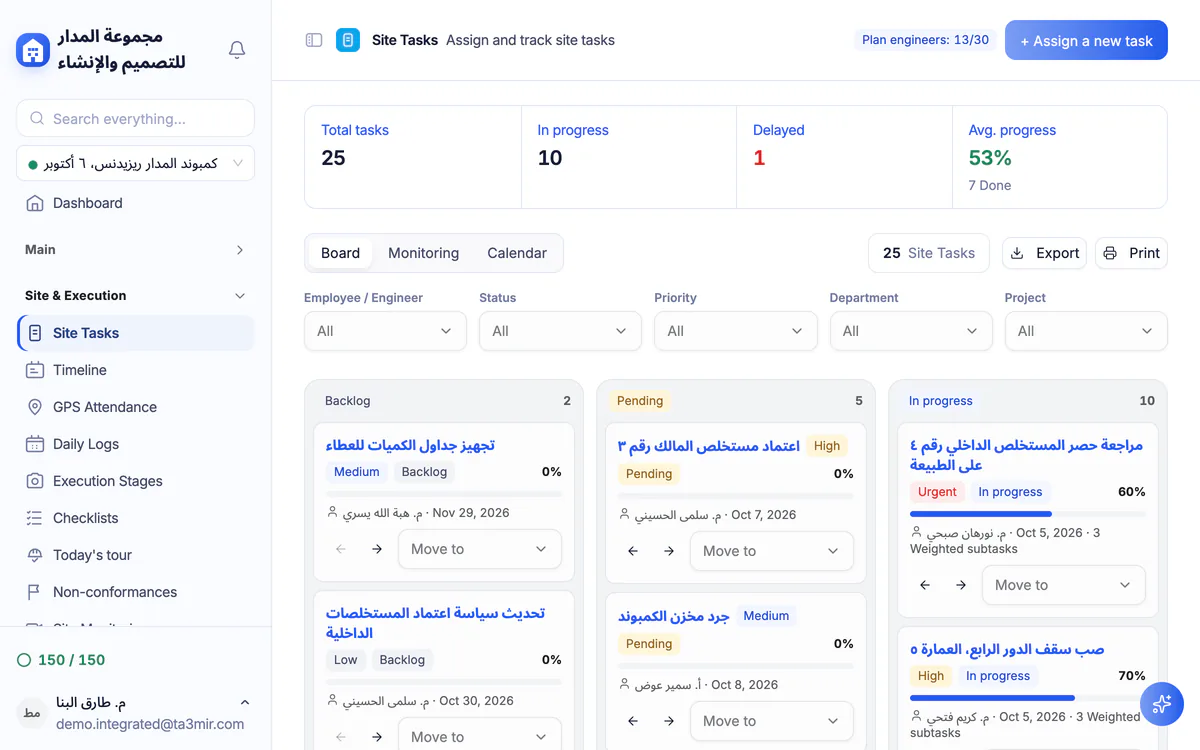
Field tasks
Assign each task to an engineer or employee with a deadline and priority, then follow what is in progress, what is late and the average completion on one screen.
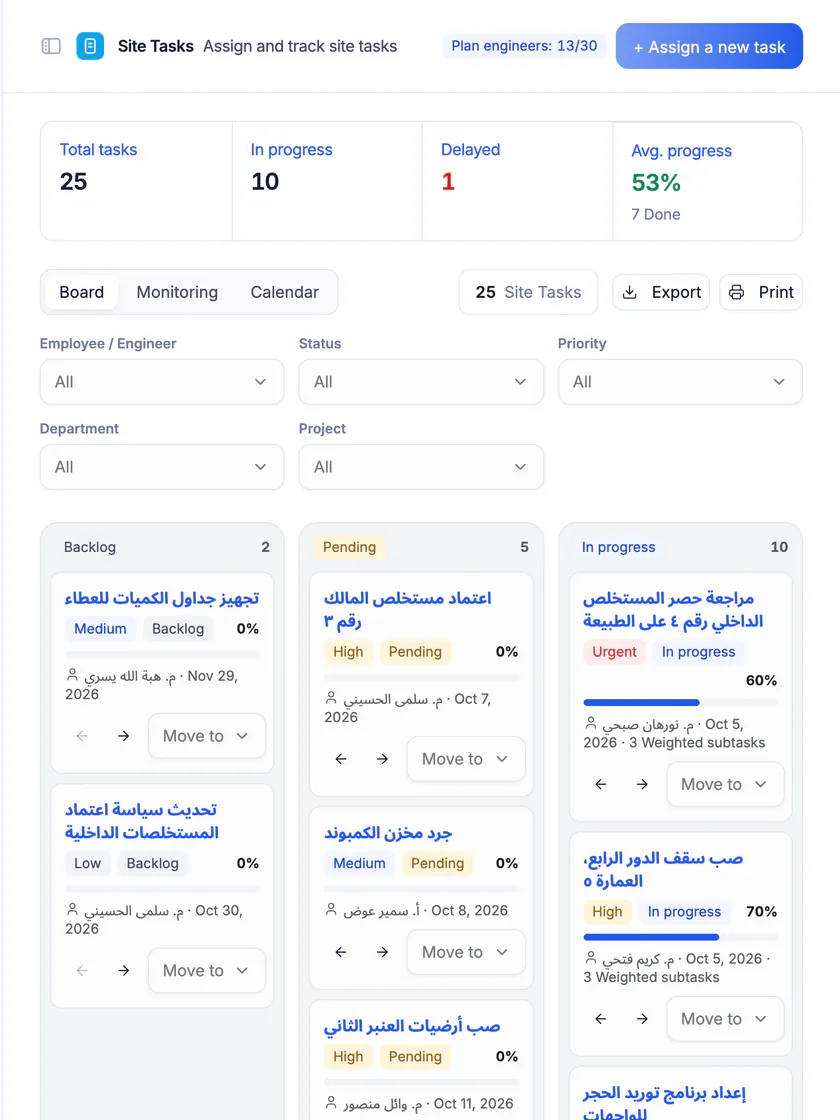
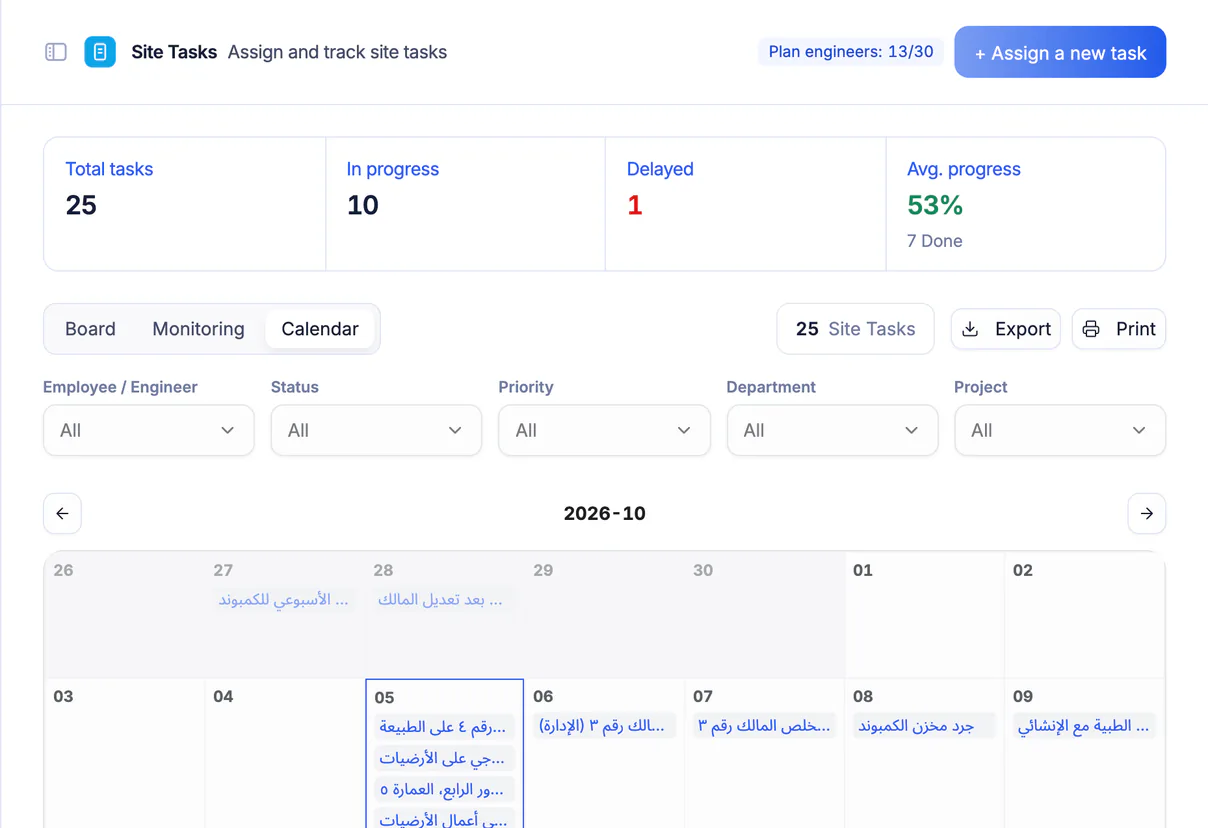
A calendar of tasks and due dates
See site tasks on a calendar by due date, so next week's load is visible before it arrives, with the person responsible for each task.
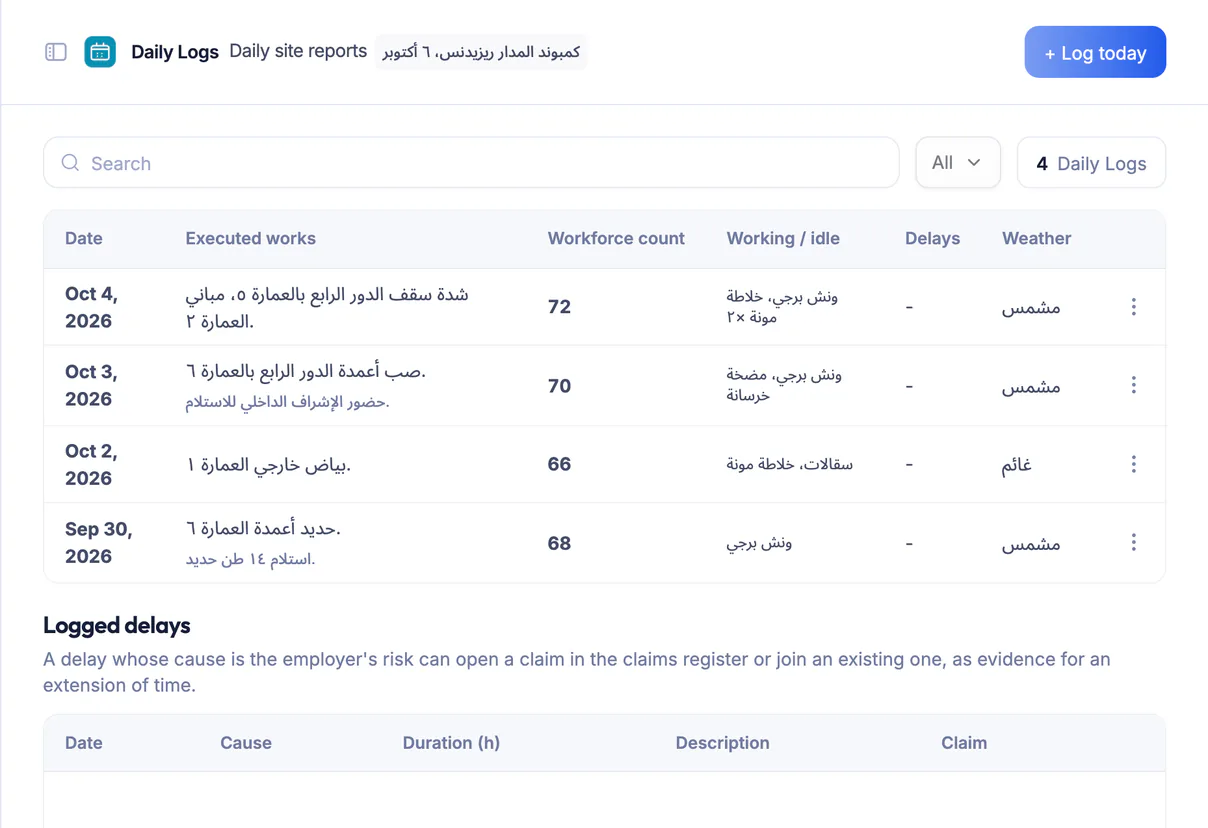
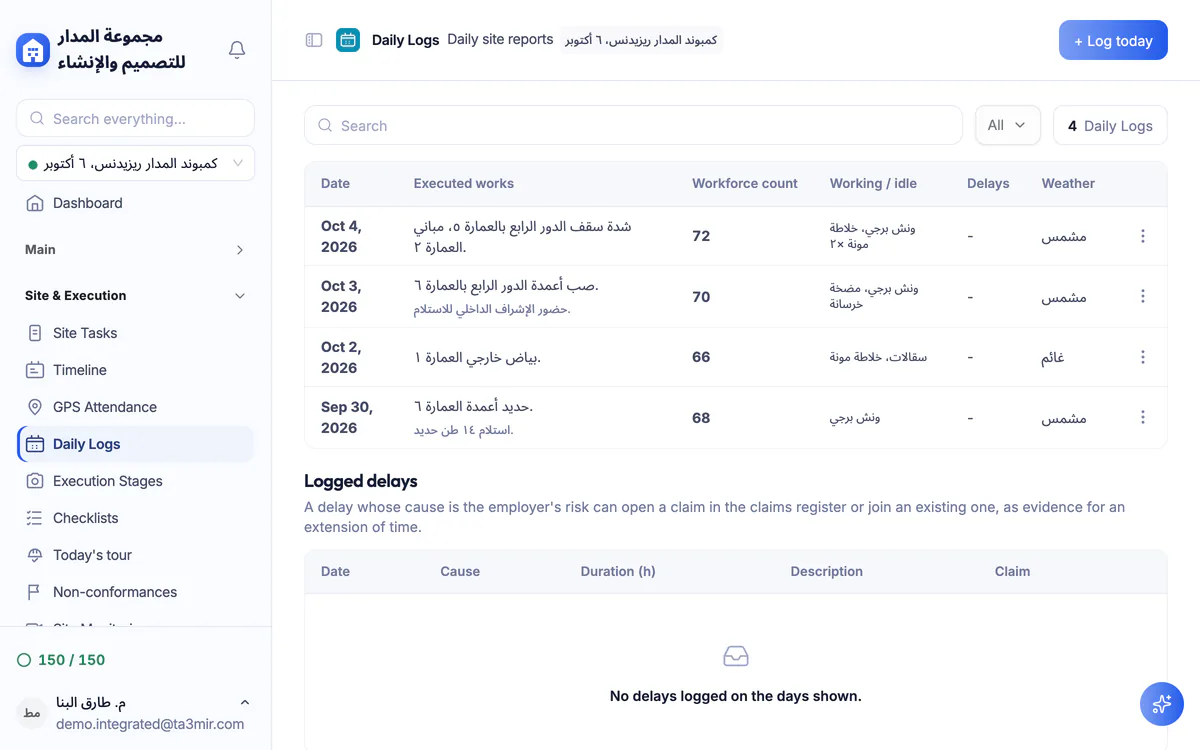
Daily site logs
A daily record for every site with the workforce count, work done, equipment and weather: a documented reference for any review or dispute.
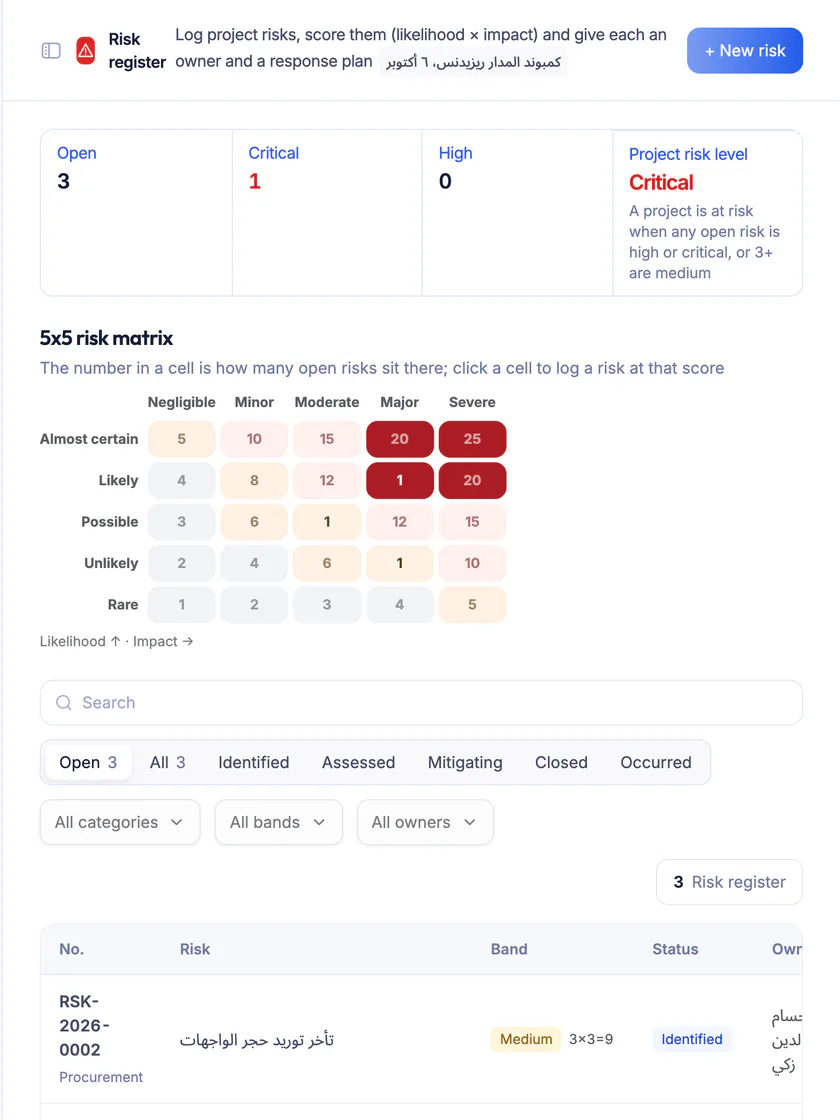
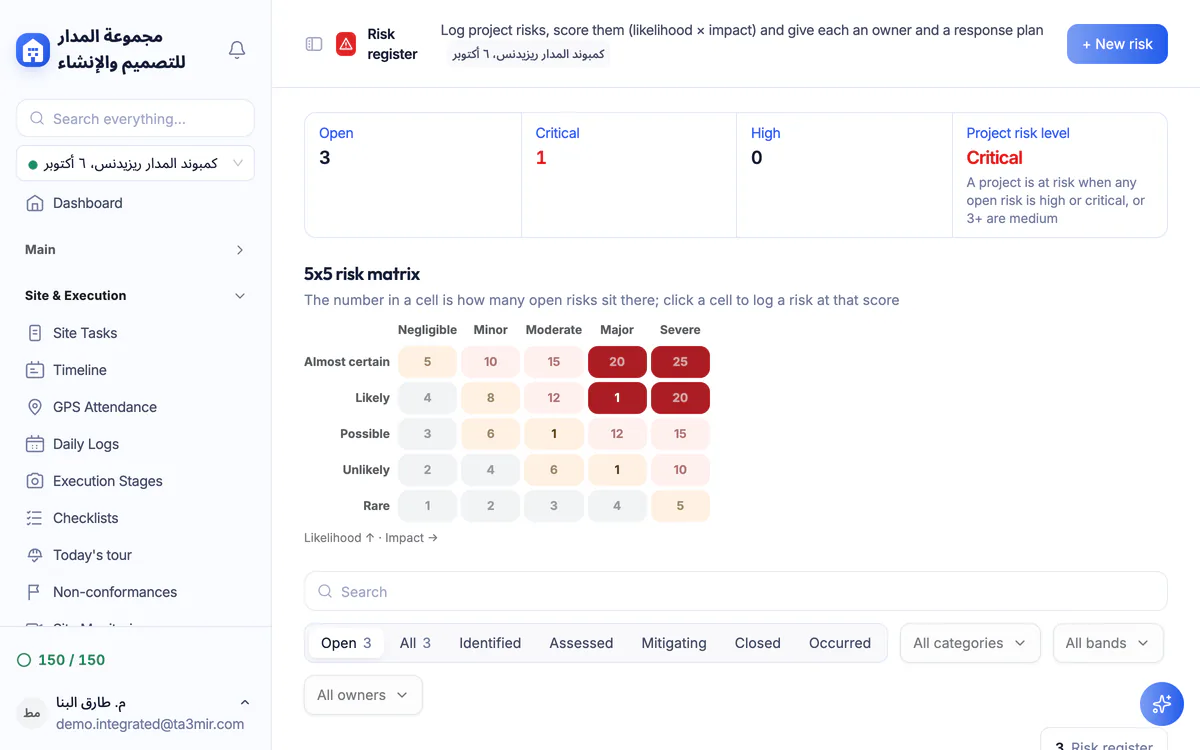
Risk register
Log each risk with its likelihood and impact from 1 to 5, an owner and a mitigation plan, and watch it on a 5×5 matrix.
Features in Site management
Follow execution as it happens, from your office or your phone. These are the key daily screens:
Perks of Site management
A documented daily picture of the site that your team and the project owner can follow without visiting every day.

Tasks linked to the BOQ
Link a task's sub-items to approved BOQ lines so reported progress reaches the schedule.
Photo milestones
Document each execution stage with dated progress photos and a caption for each one.
Logs voided, never erased
A wrong daily log is voided rather than deleted: it stays on record and drops out of the labour totals.
5×5 risk matrix
Score = likelihood × impact, with a mitigation plan, a contingency plan and a trigger for every risk.
Project owner portal
A dedicated portal where the owner follows progress, photos and documents, read-only.
Site cameras (optional)
If your site has cameras, add their HLS stream link and watch it in the browser, next to an archive of site photos and videos.
 Payment certificates & contracts
 Technical office & documents
 Accounting
 Scheduling & planning
 Take-offs & BOQ
 HR, attendance & payroll
 Cost control
 Procurement, stores & equipment
 Site management & daily logs
 CRM & quotations
Ready to run your construction projects and payment certificates in one program?
Explore the demo account with real sample projects, then subscribe and activate in minutes.