
Brain assistant
An engineering assistant that knows your projects and documents
Ask the engineering assistant about codes, execution and quantities, get a morning briefing and recommendations, and let AI agents watch delays and budgets.
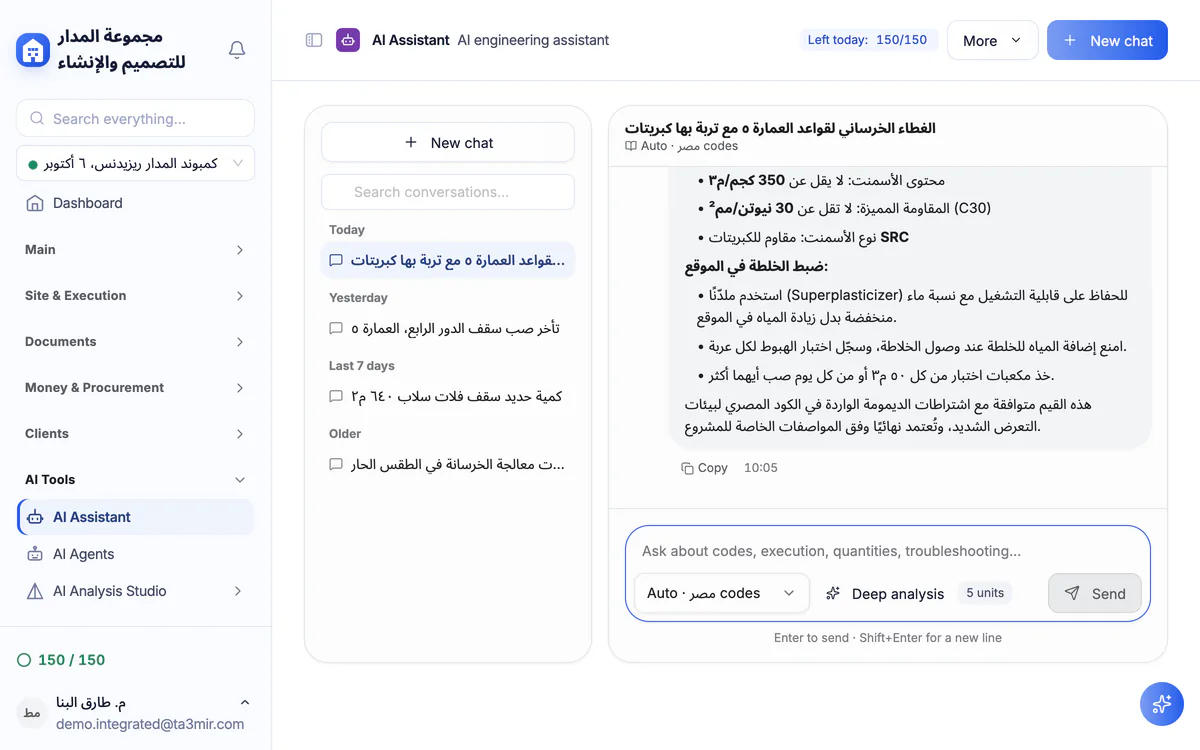
What is Brain in Ta3mir?
Brain is the engineering assistant inside Ta3mir: it answers questions on codes, execution and quantities and cites its source in thinking mode, reads your project documents into a private brain no other account can see, and builds a daily briefing and recommendations from your records. Its answers are a first draft for an engineer to review before use.
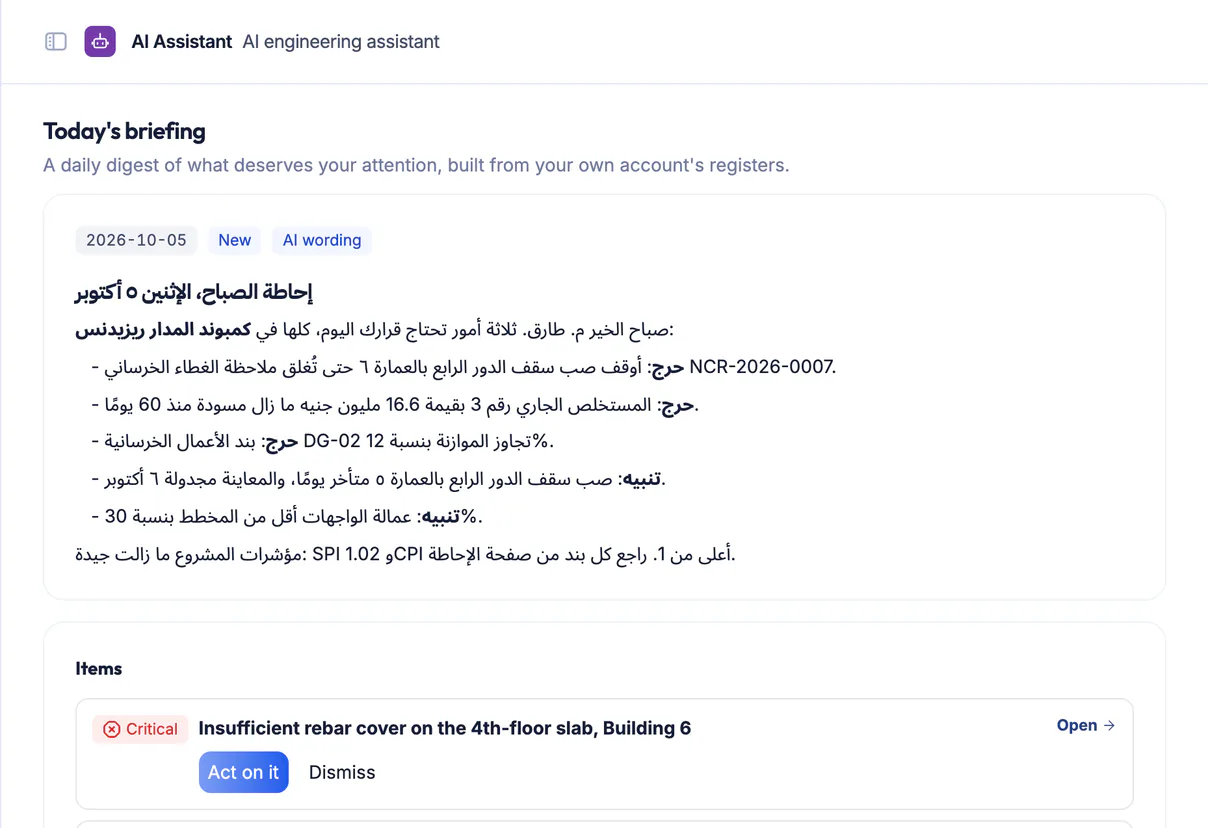
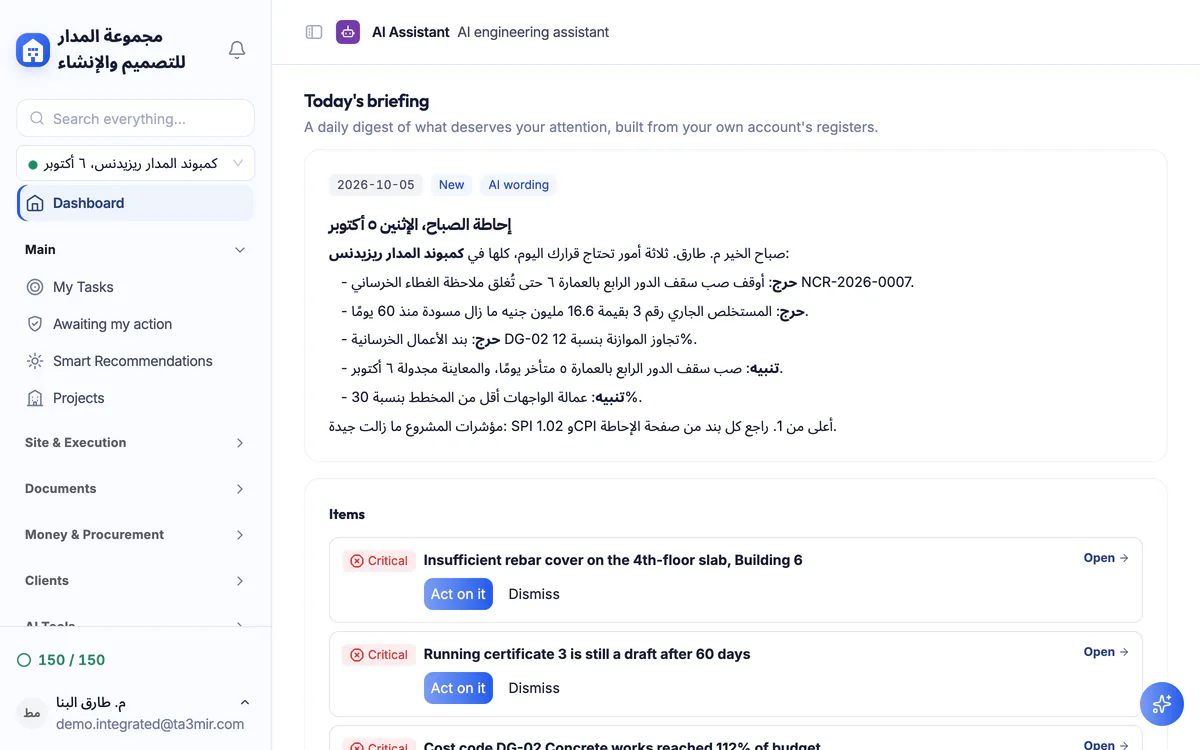
Morning briefing
A daily summary of what needs your attention: overdue tasks, schedule and cost indices, certificates and documents about to expire.
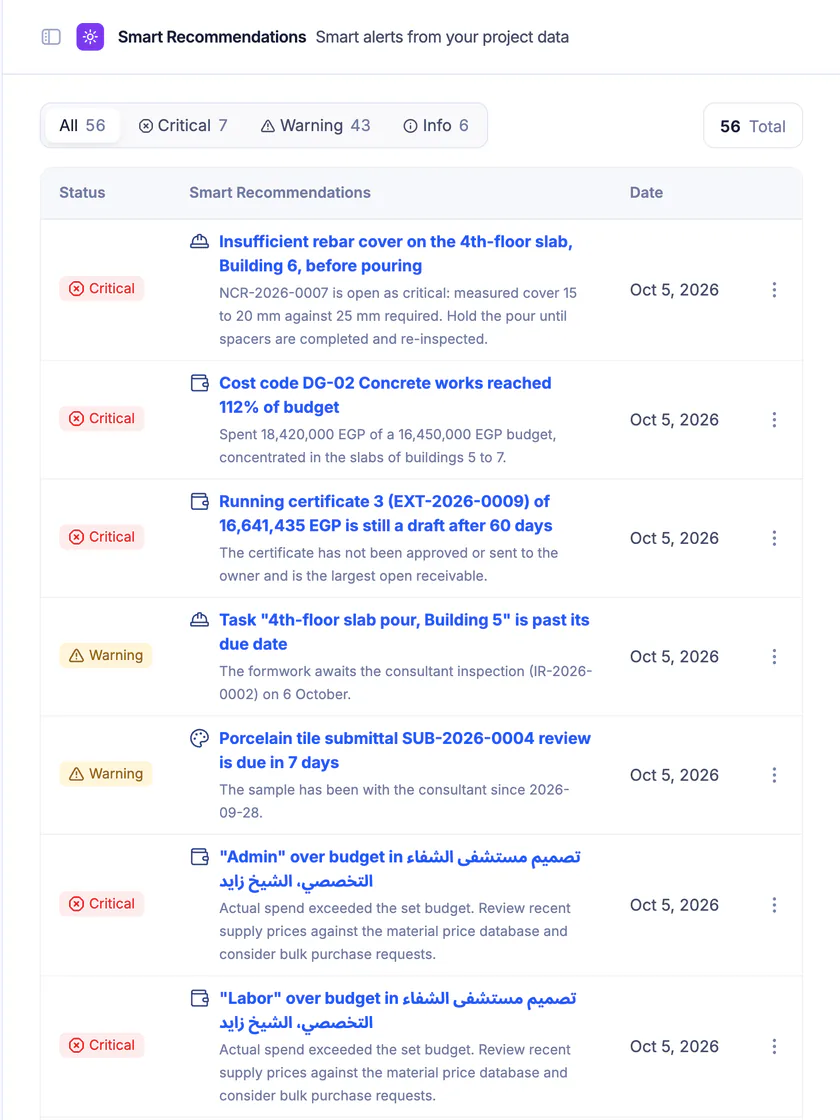
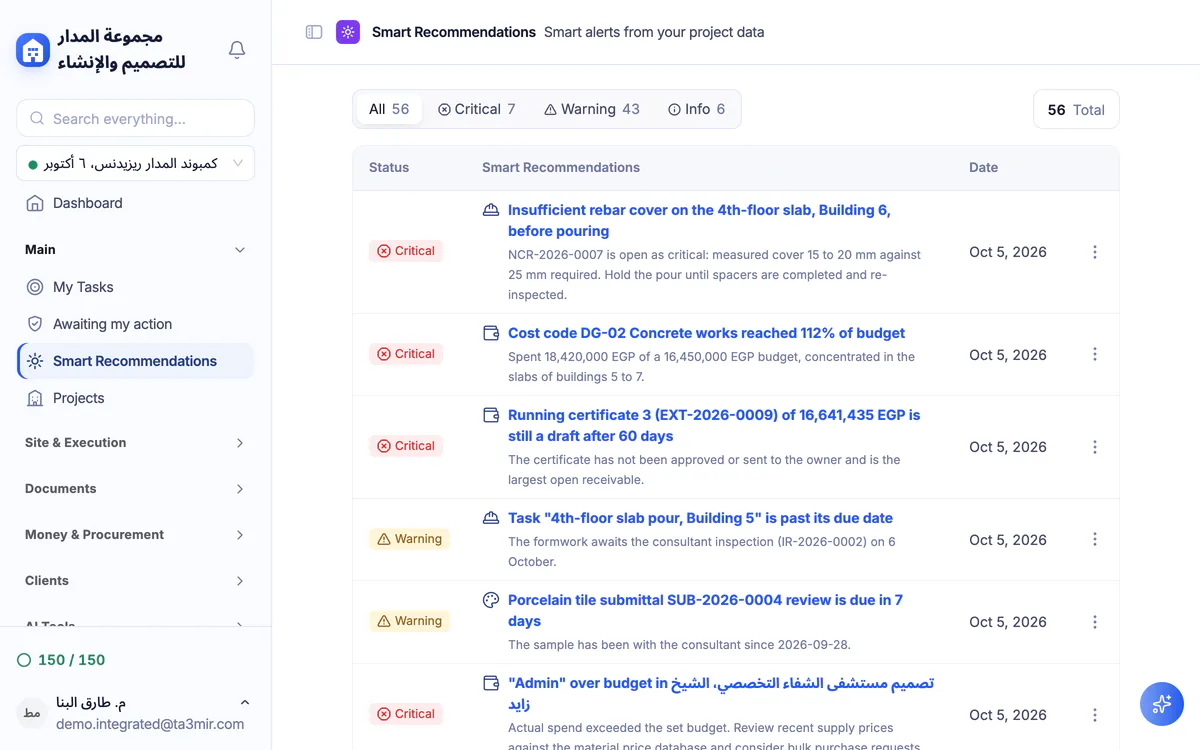
Smart recommendations
Alerts from your project data, sorted by severity so you start with what matters most.
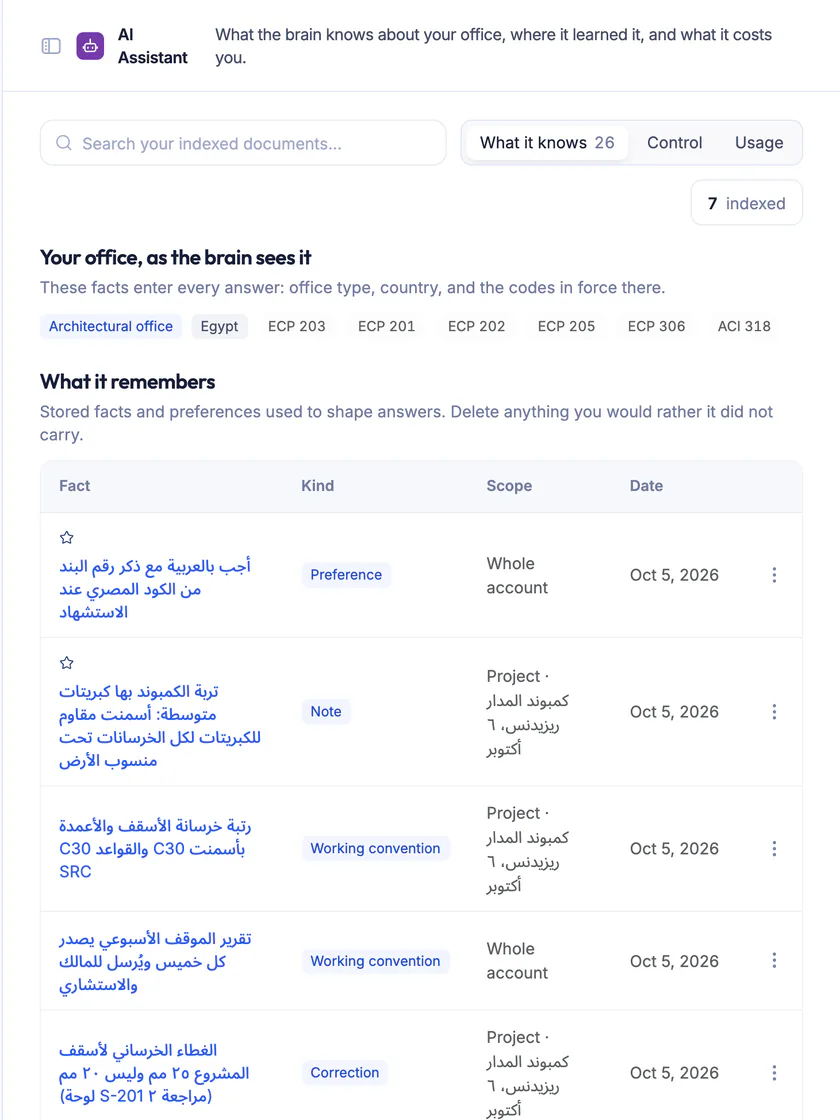
What the Brain knows
Indexed documents, where its knowledge came from and what it costs you, with any document removable at any time.
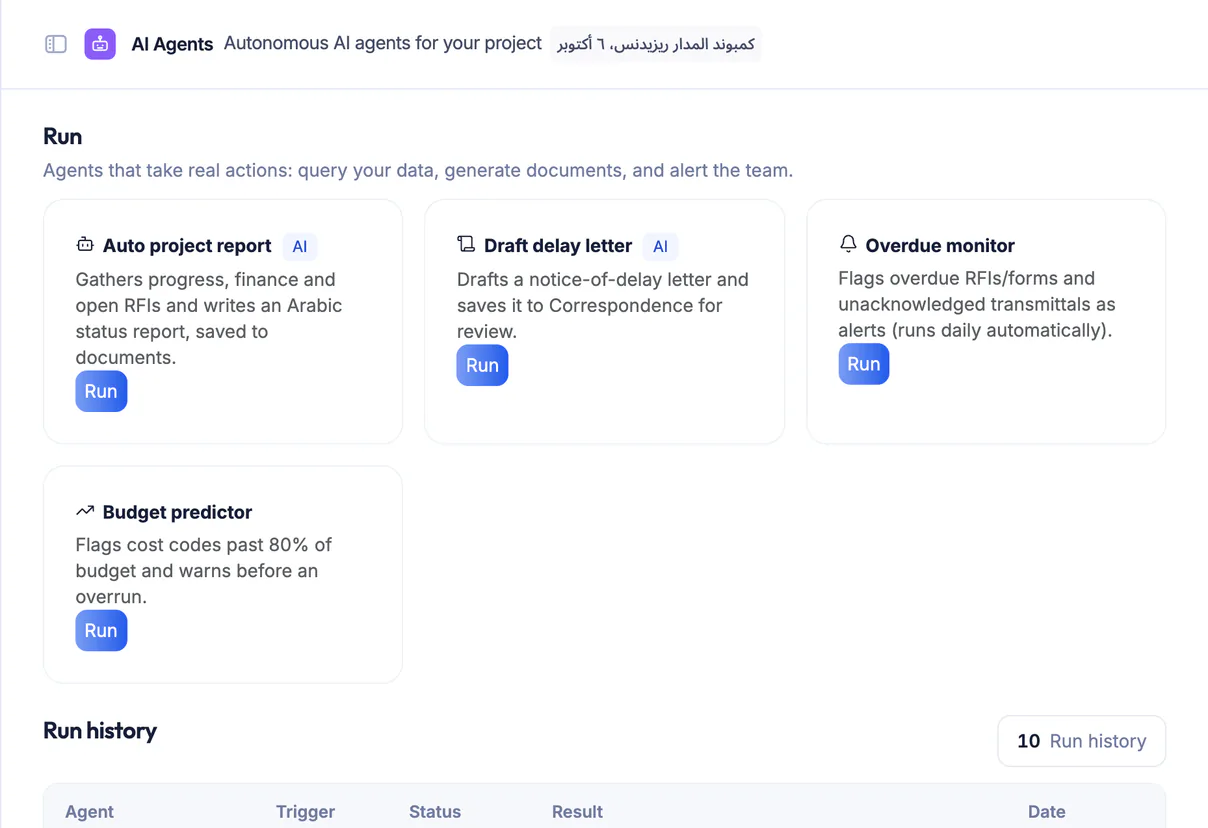
AI agents
Agents for your project that watch delays, schedule variance, budgets and permit expiry, and draft letters and status reports.
Features in Brain
The engineering assistant is built on your project data and your office documents.
Here is what is inside:
Perks of Brain
Engineering answers with their sources, and alerts that reach you before you go looking.

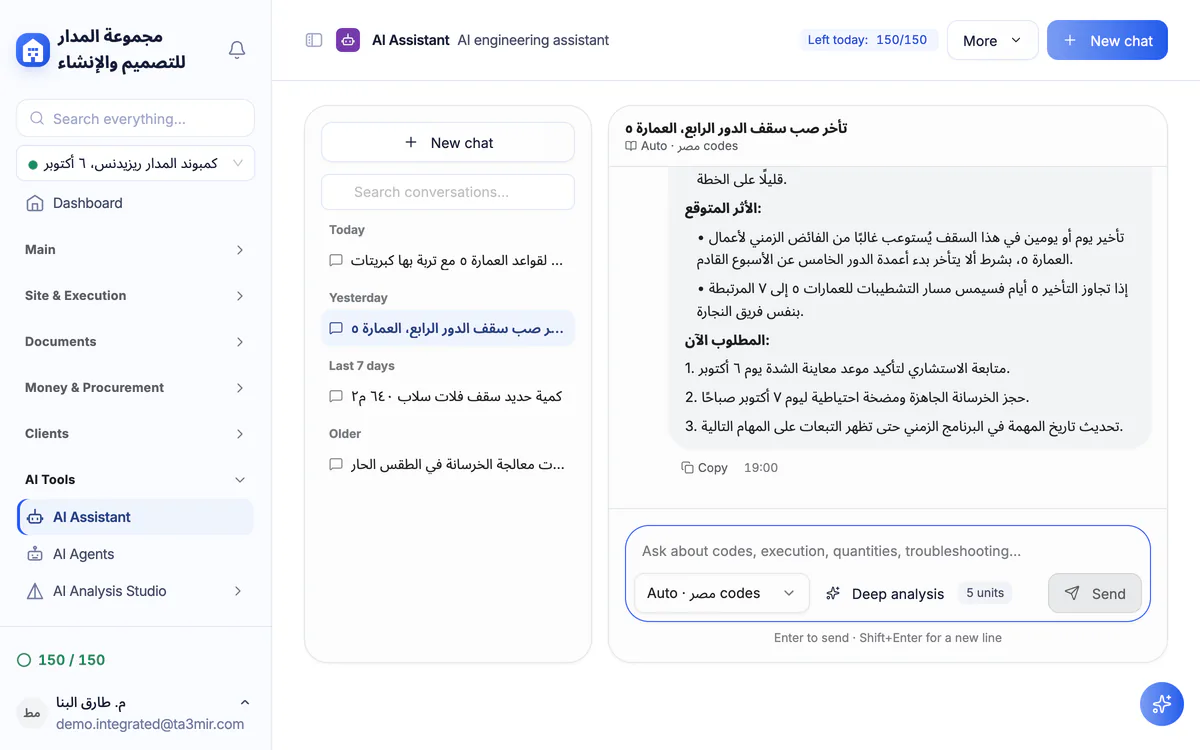
Answers with a source
Thinking mode searches the codes, checks itself, then cites the source.
Pick the reference code
Choose the code you work to, or leave it on automatic.
Attach a photo or file
Ask about a site photo or an attached document in the same chat.
A private brain
Your indexed documents belong to your account and are never shared with another.
Memory you control
It keeps your office facts and preferences, and you delete what you do not want kept.
Answer feedback
Mark an answer helpful or inaccurate, and review your team's ratings in one place.
 Payment certificates & contracts
 Technical office & documents
 Accounting
 Scheduling & planning
 Take-offs & BOQ
 HR, attendance & payroll
 Cost control
 Procurement, stores & equipment
 Site management & daily logs
 CRM & quotations
Ready to run your construction projects and payment certificates in one program?
Explore the demo account with real sample projects, then subscribe and activate in minutes.