
Supervision and quality
Checklists, inspection requests and NCRs in one record
Run quality and finishing checklists item by item, raise NCRs from failed items, and track inspection requests, material submittals and government permits.
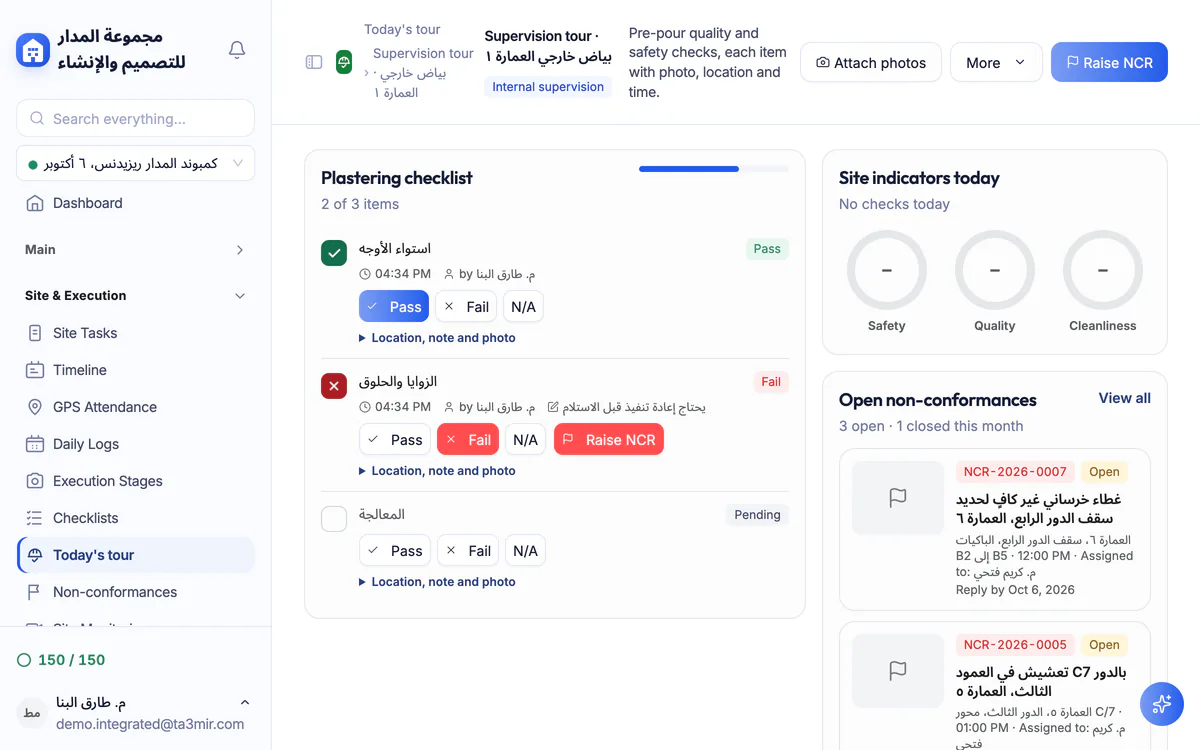
What is Supervision and quality in Ta3mir?
Supervision in Ta3mir turns site inspection into a documented record: checklists with a result, a note and a photo for every item, non-conformance reports with an owner and a reply date, and a report on inspection request results. Integrated (design and build) accounts also get a daily supervision tour that logs each item with a photo, location and time.
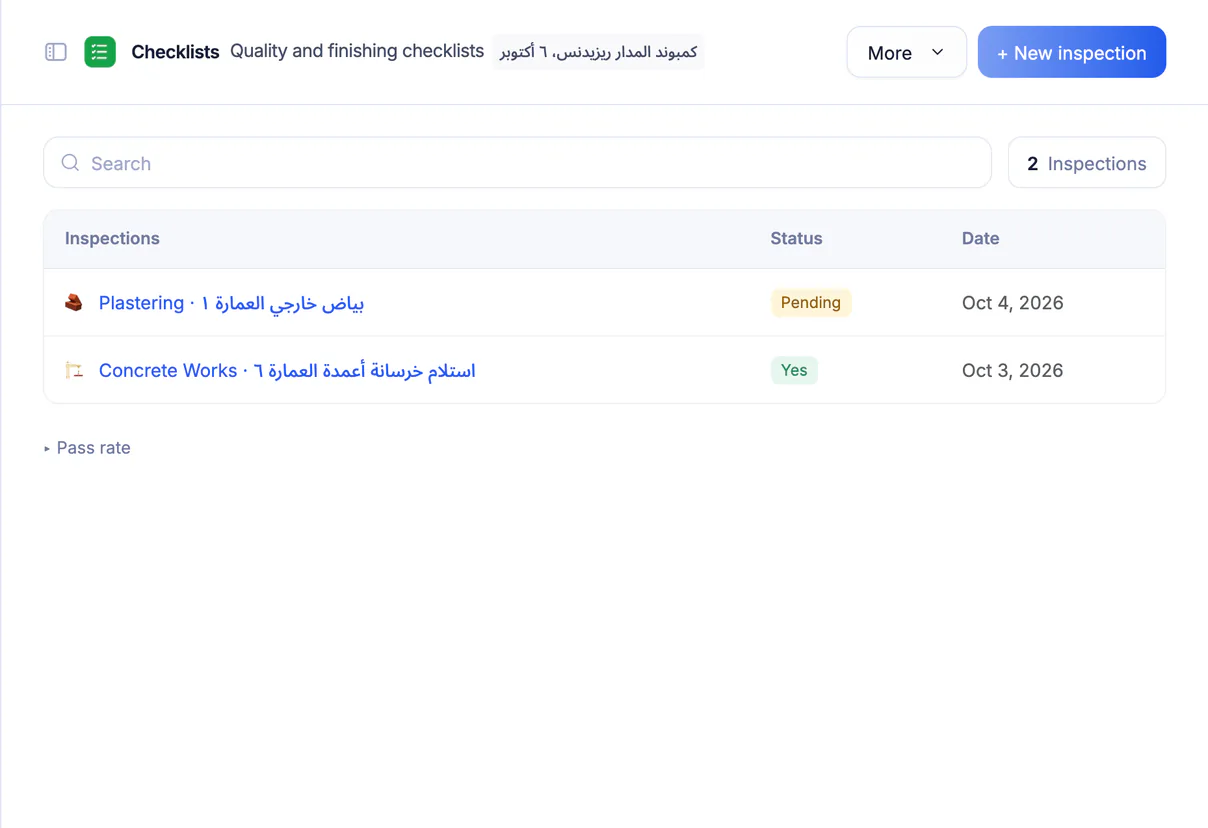
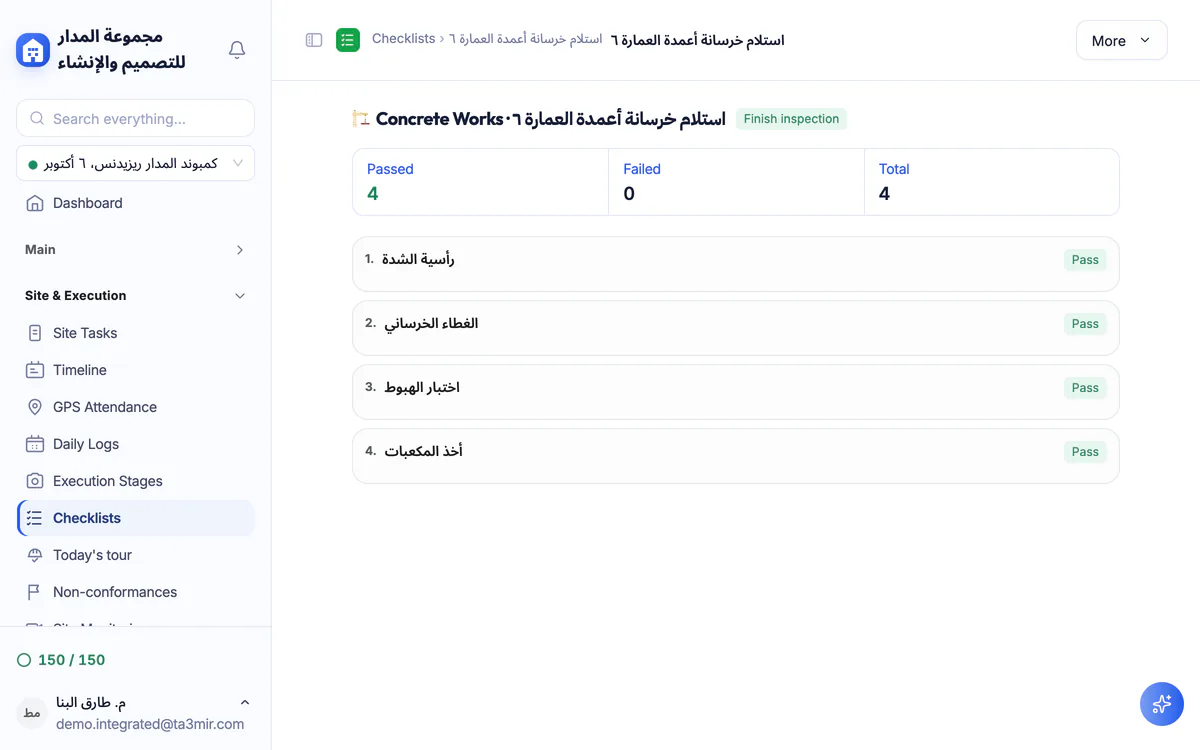
Quality and finishing checklists
Inspect each location (unit, floor or zone) against a list of items and mark each one pass, fail or not applicable, with a note and a photo.
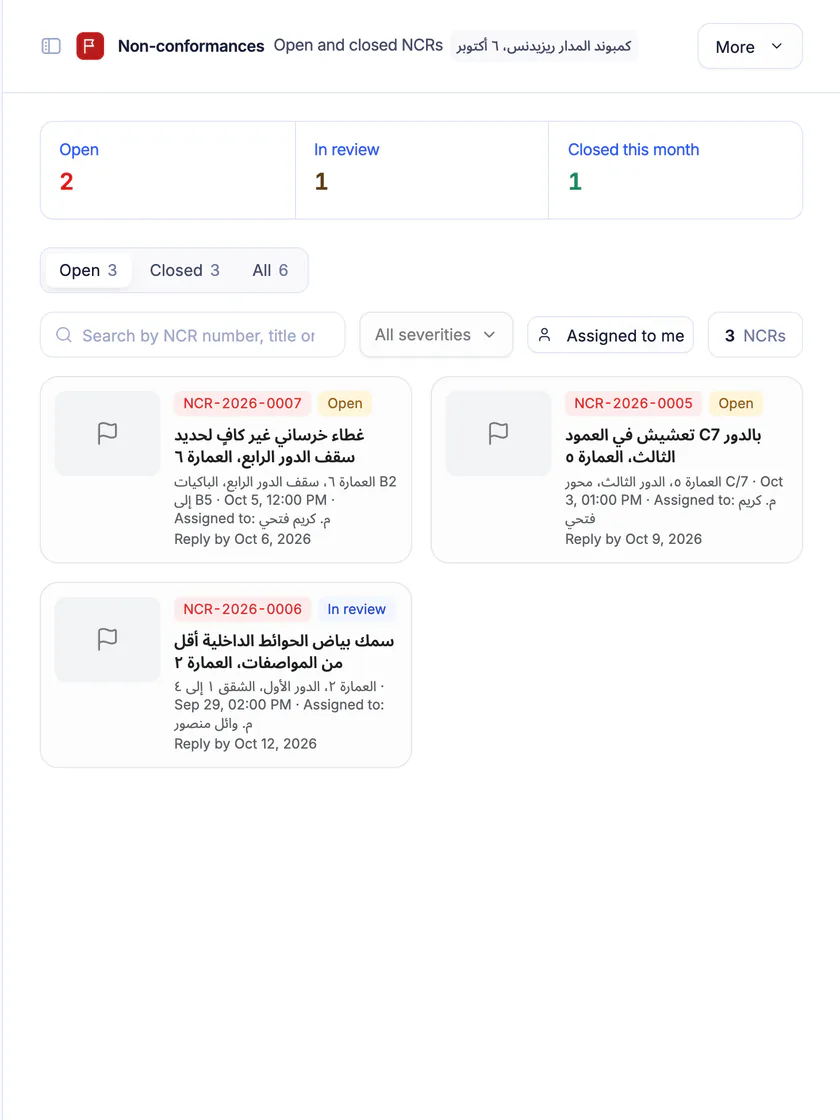
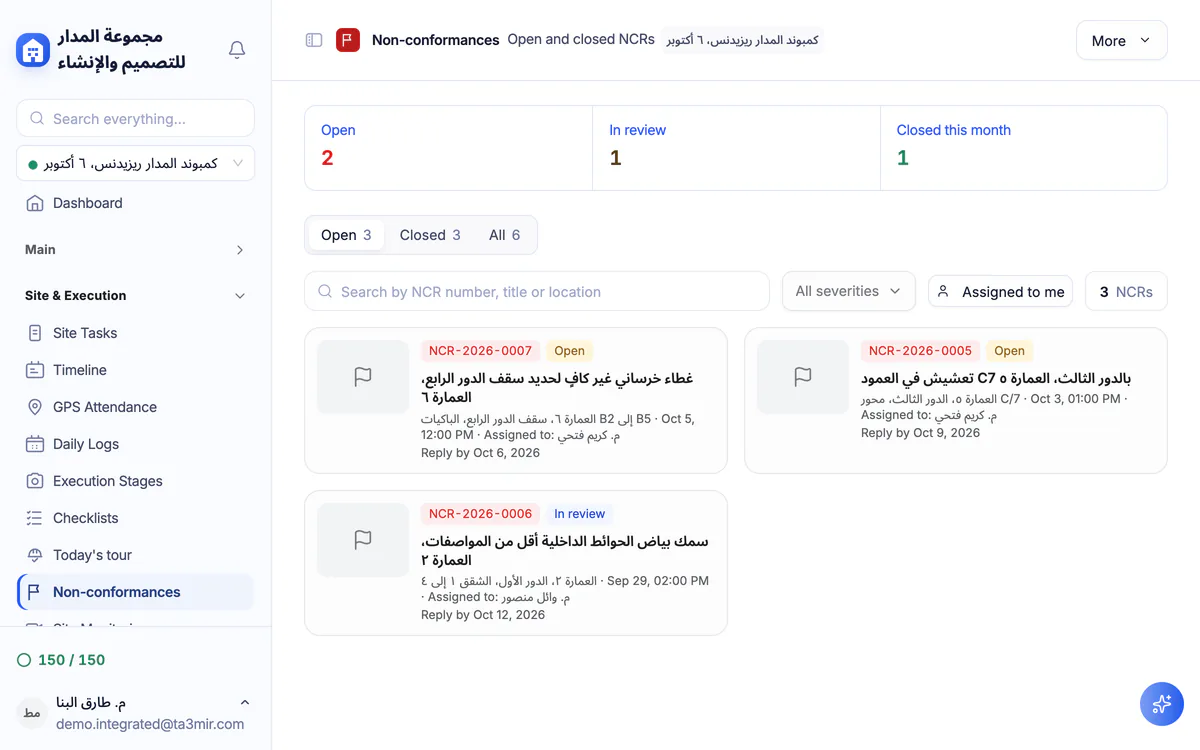
Non-conformance
Open, under-review and closed NCRs, with severity, owner and reply date.
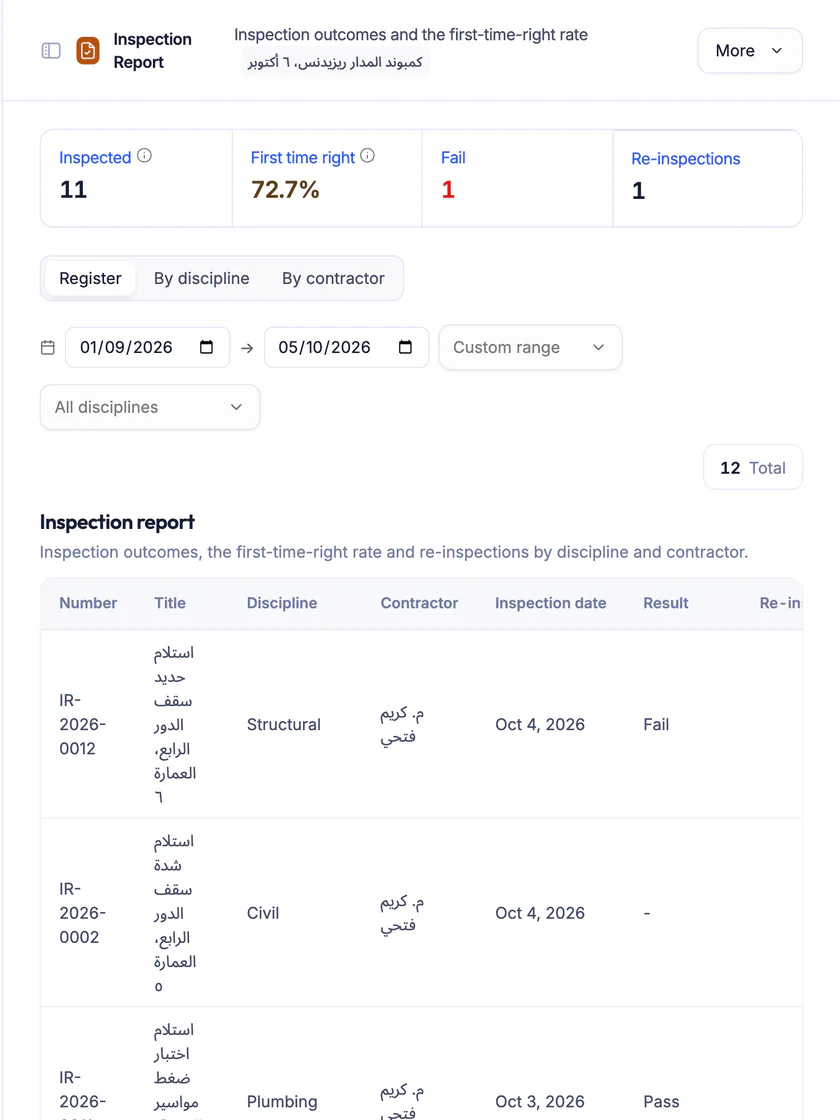
Inspection results report
First-time-right rate and re-inspections, by discipline and by contractor.
Government permits tracker
Building, municipal, civil defence and utility permits with their status and expiry date, and a reminder as many days ahead as you choose.
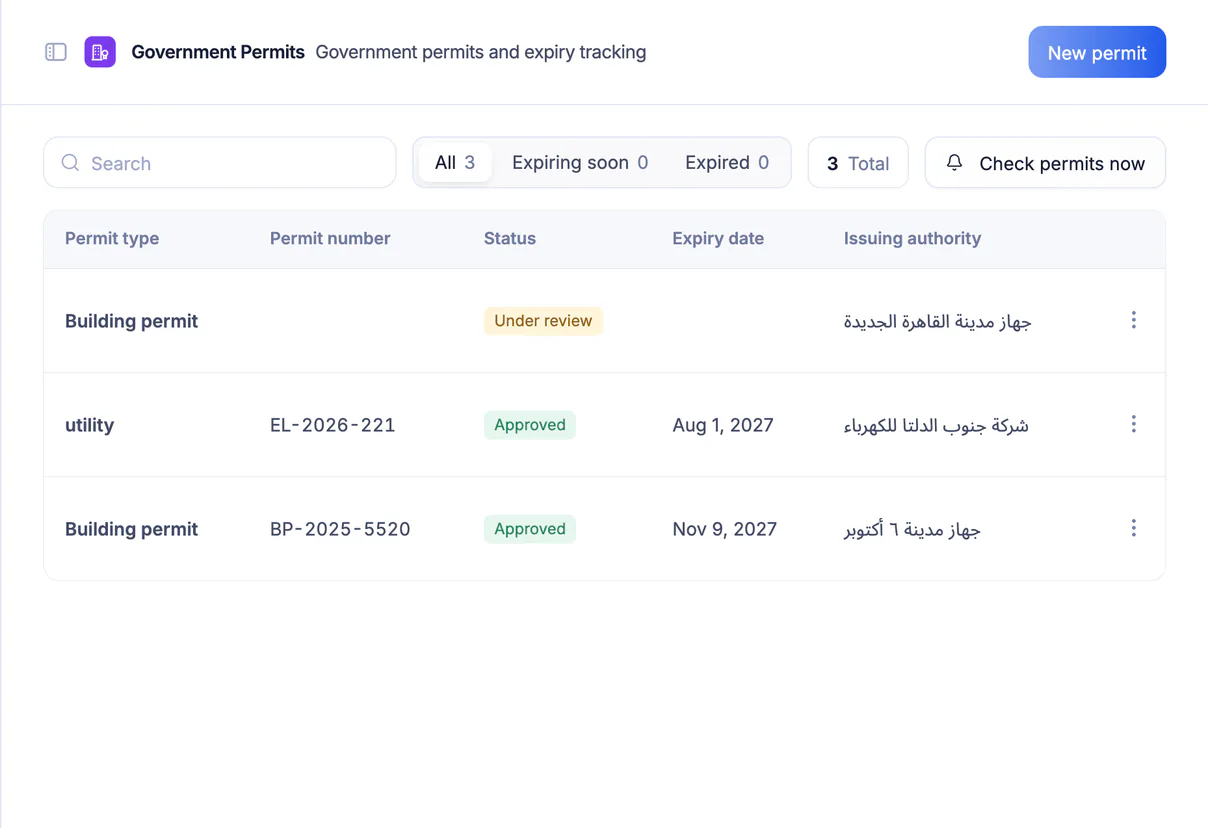
Features in Supervision and quality
Supervision is built around checklists and the reports and approvals that follow them.
Here is what is inside:
Perks of Supervision and quality
Evidence-based supervision where everyone knows what was inspected and what needs fixing.

From failed item to NCR
Raise a non-conformance report straight from the failed items of a checklist.
A photo with every item
Attach a photo to the inspection result so the evidence stays with the item.
Inspection requests
Work and material inspection requests (MIR) with their result, and a re-inspection when needed.
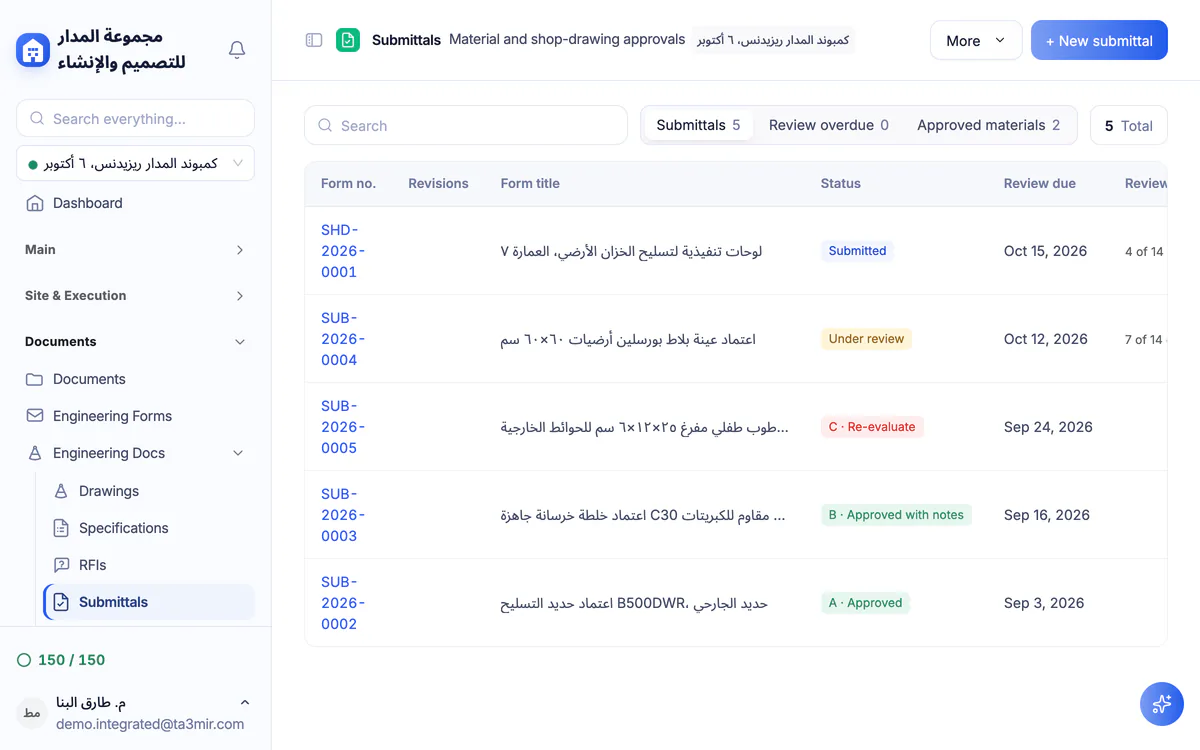
Material and shop drawing submittals
One register for material and shop drawing approval requests and the status of each.
First-time-right rate
See which discipline or contractor needs closer follow-up, from real inspection results.
Permit expiry reminders
An alert before any government permit expires, as early as you choose.
 Payment certificates & contracts
 Technical office & documents
 Accounting
 Scheduling & planning
 Take-offs & BOQ
 HR, attendance & payroll
 Cost control
 Procurement, stores & equipment
 Site management & daily logs
 CRM & quotations
Ready to run your construction projects and payment certificates in one program?
Explore the demo account with real sample projects, then subscribe and activate in minutes.